
What’s new v2.0 Claim Etsy order
For companies and teams

Your company Christmas party, all in one place. Free.

One link for the whole team: the invitation, RSVPs with plus-ones and dietary needs, a seating plan everyone can search, and every photo from the night.

No card needed. Set up in minutes.
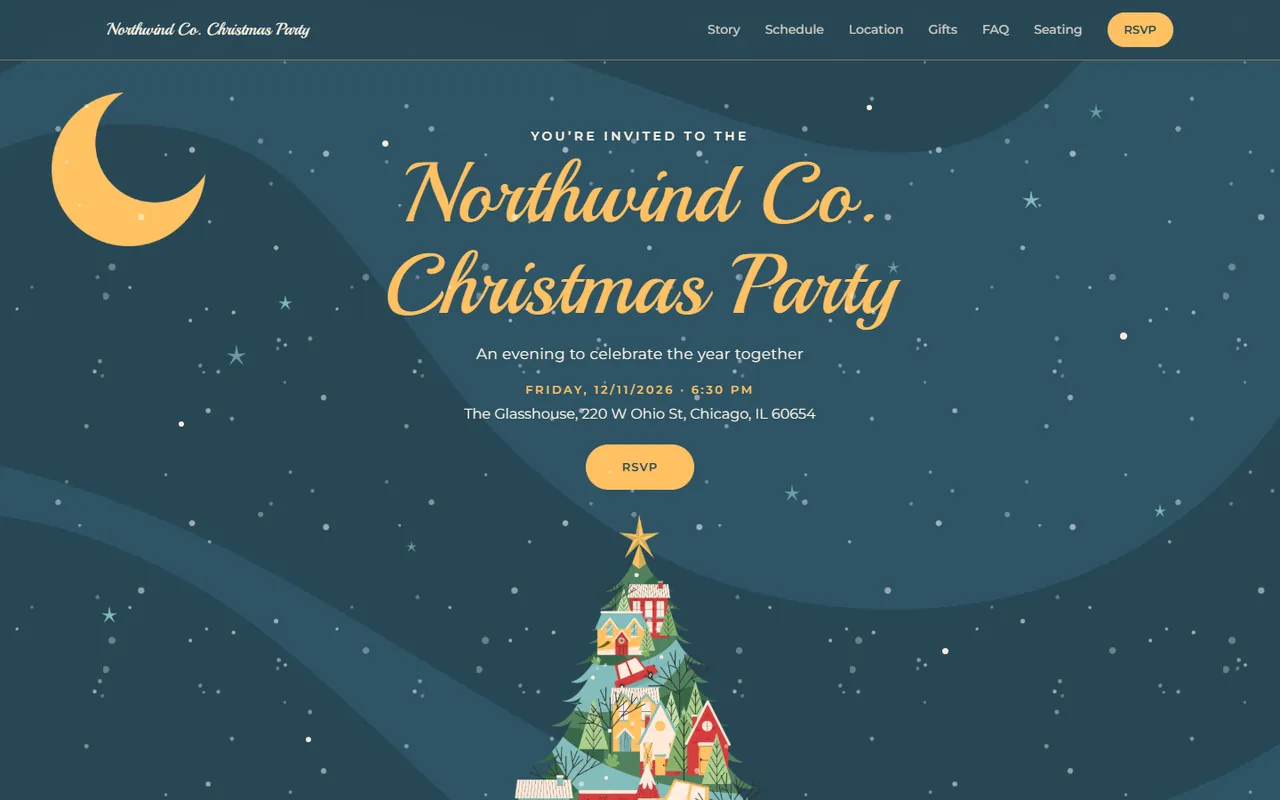
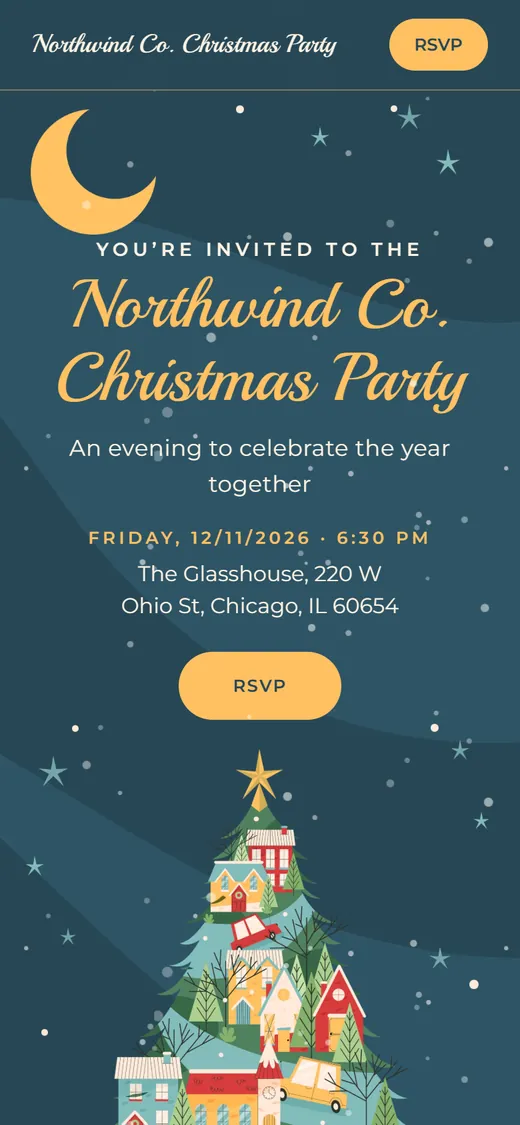
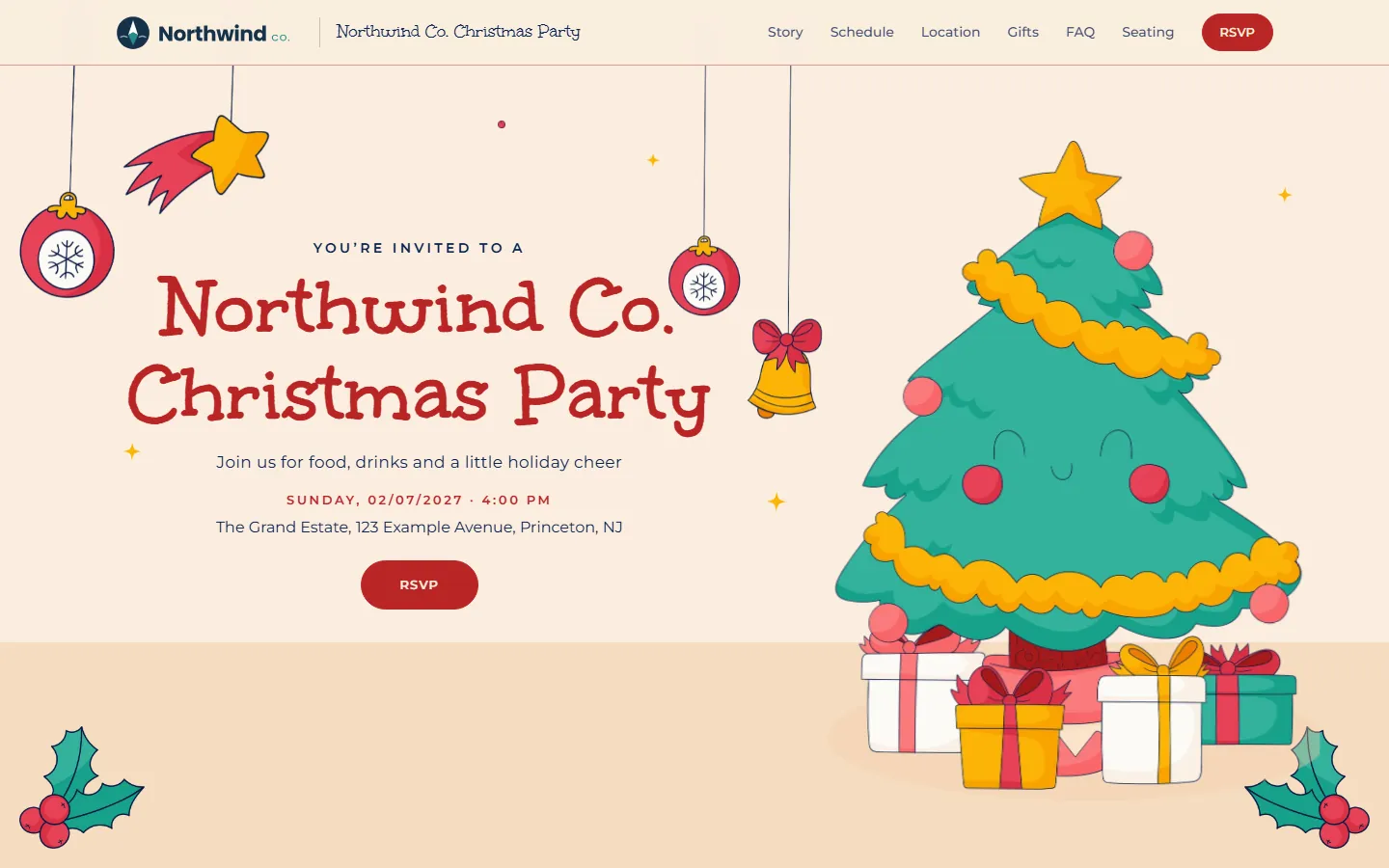
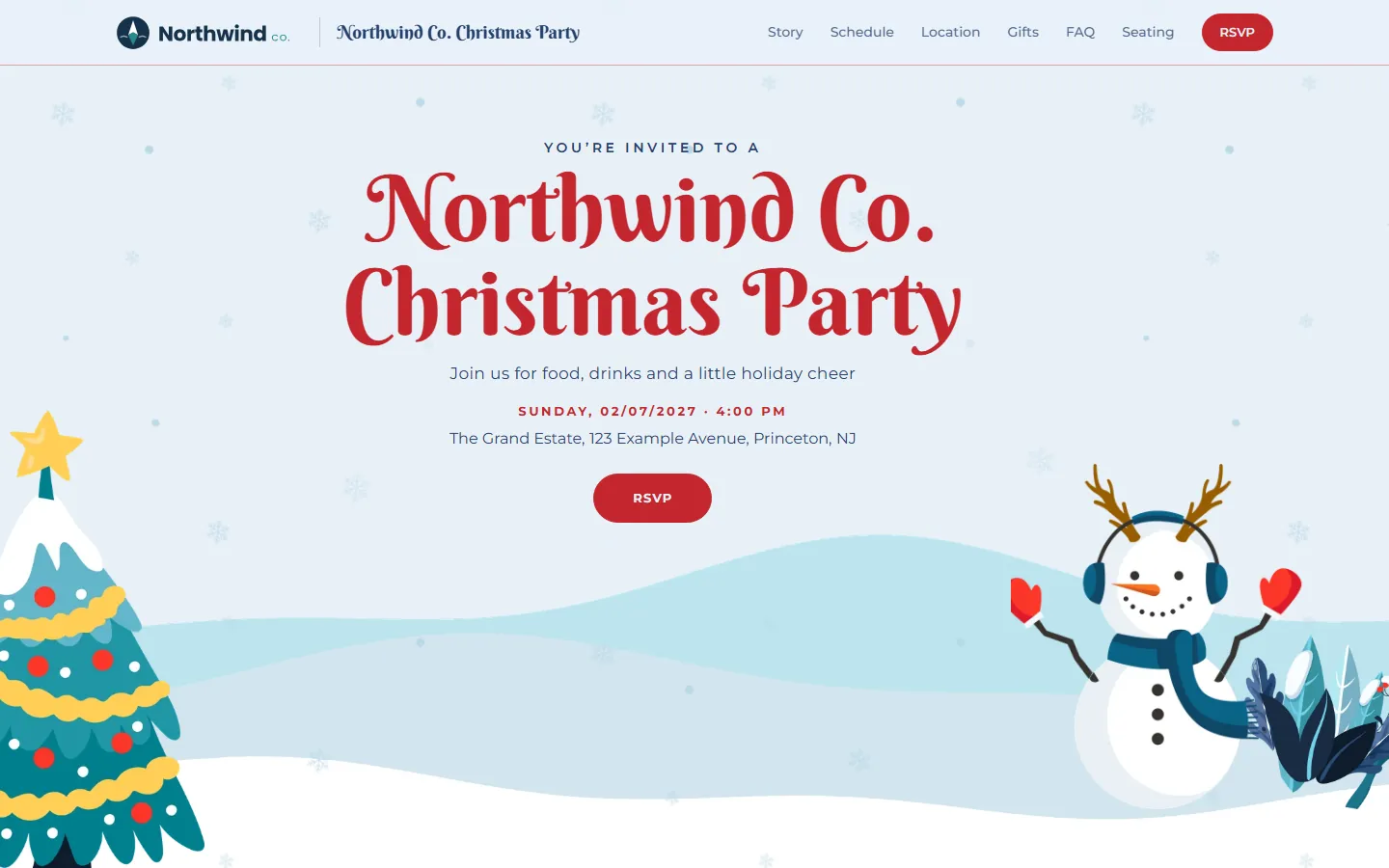
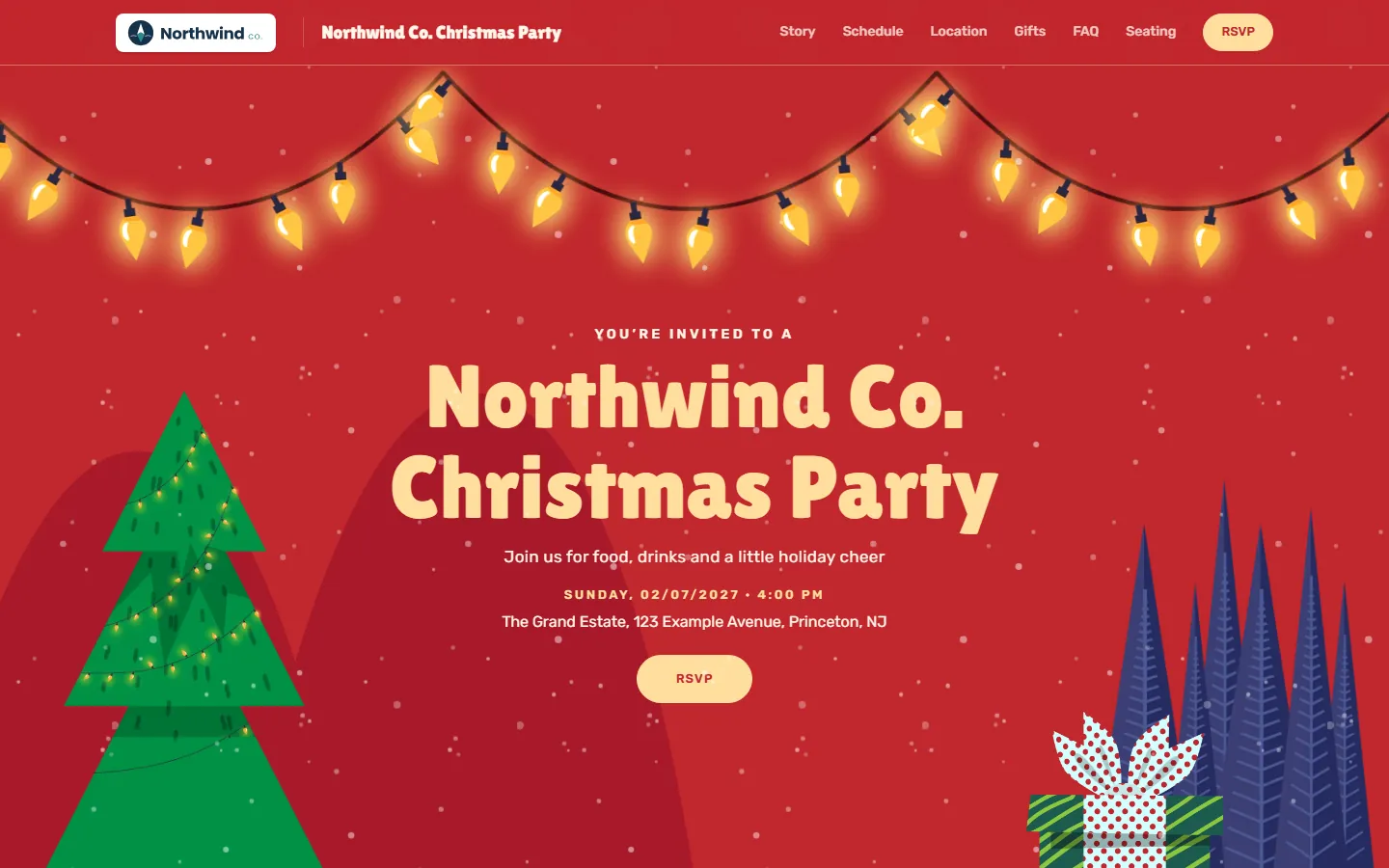
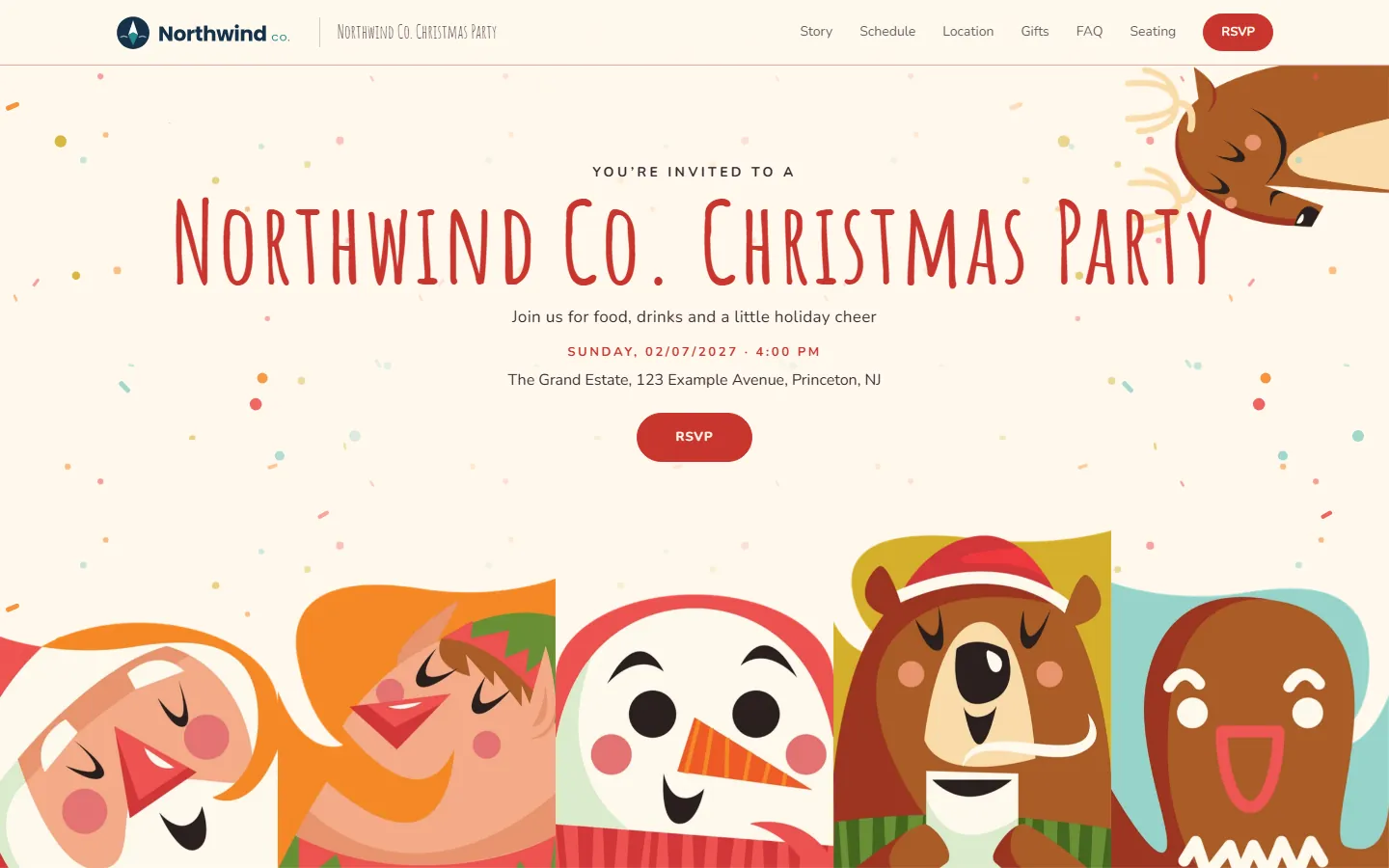
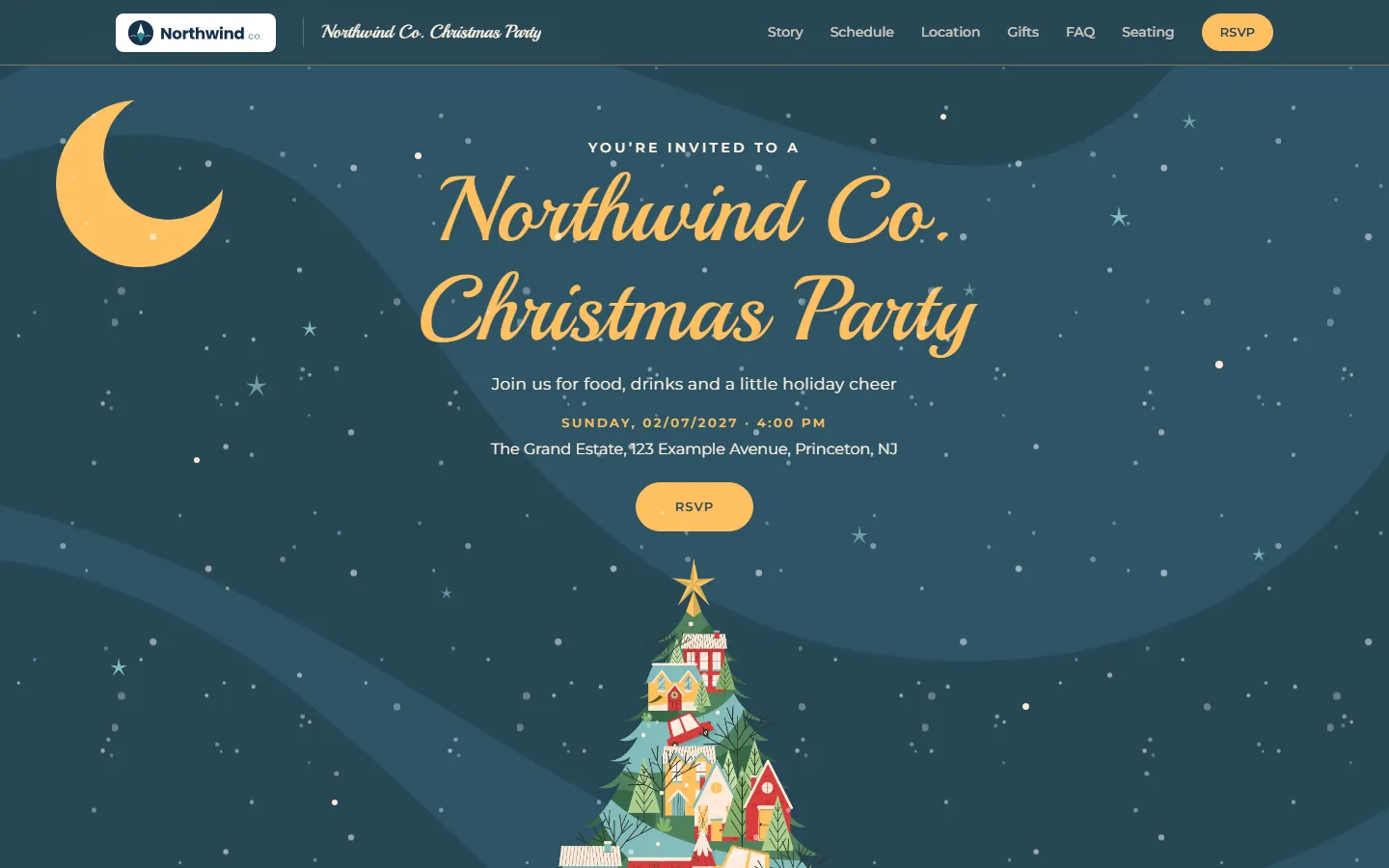
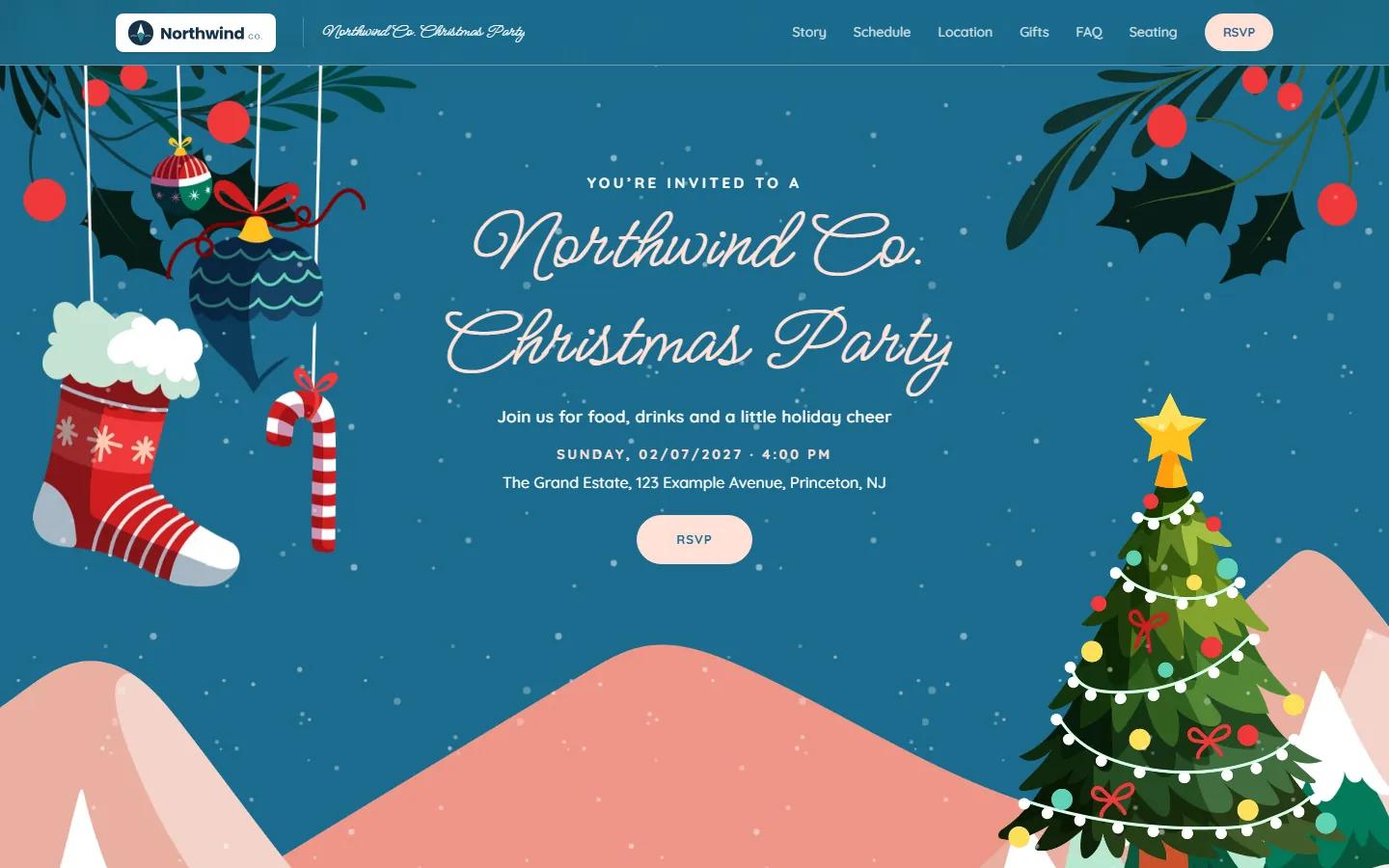
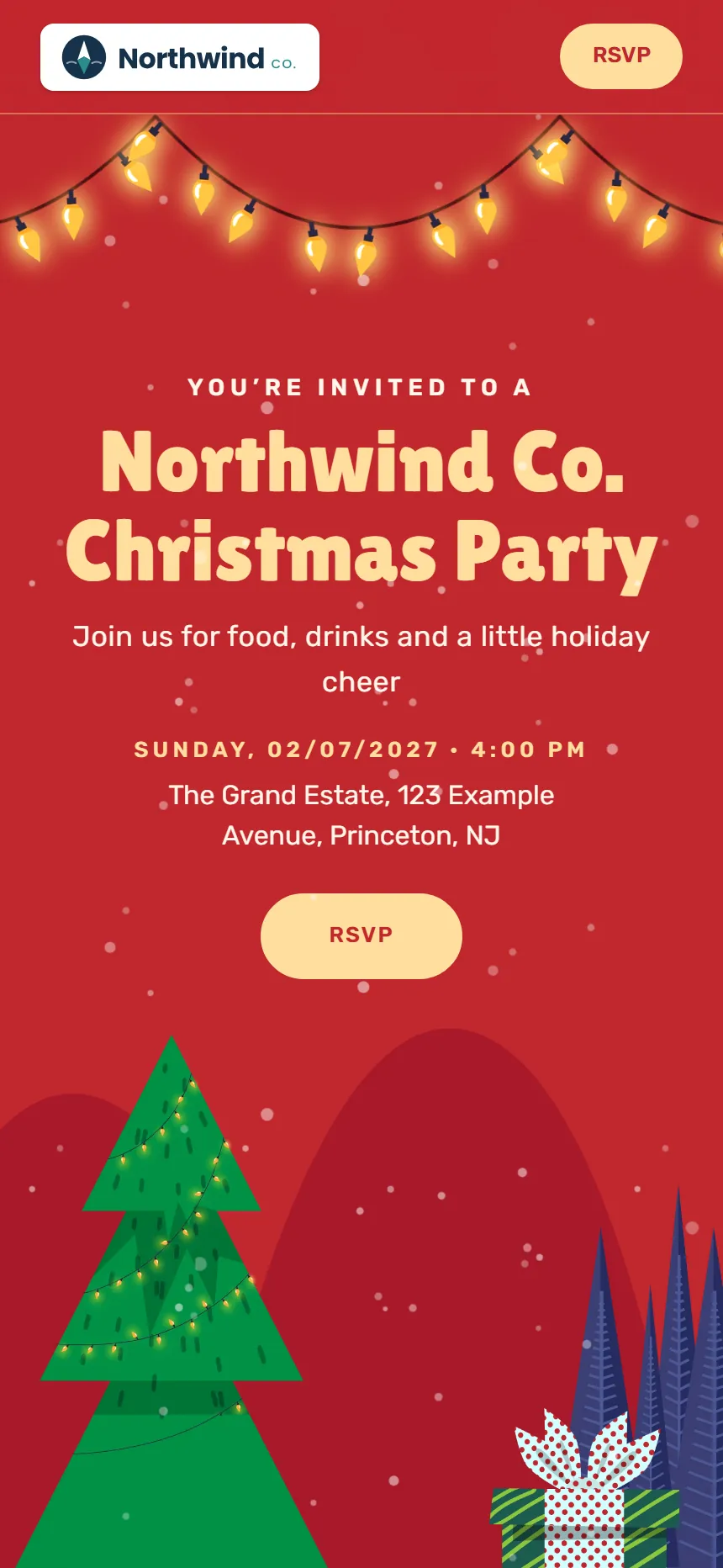
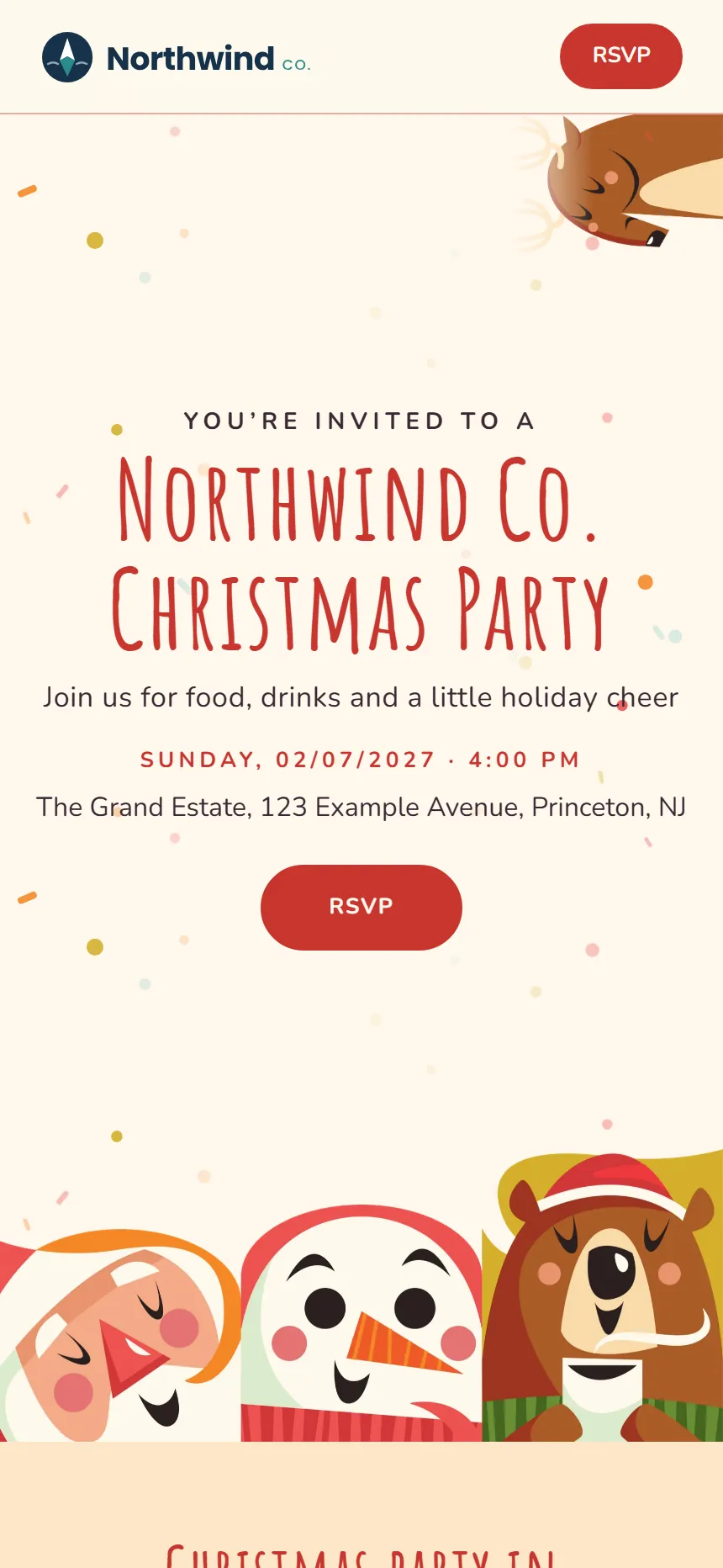
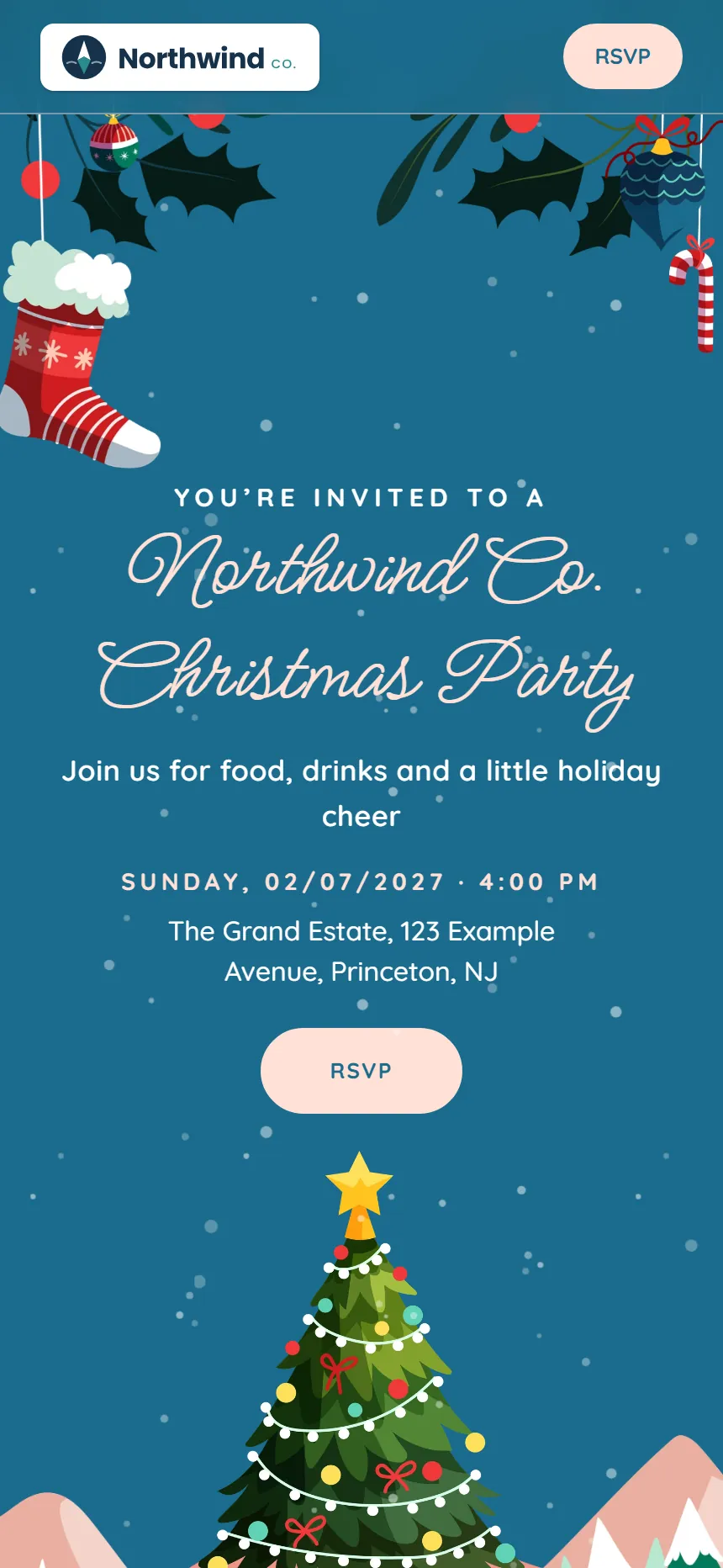
A company Christmas party website in the Starlit Village design, with an RSVP button
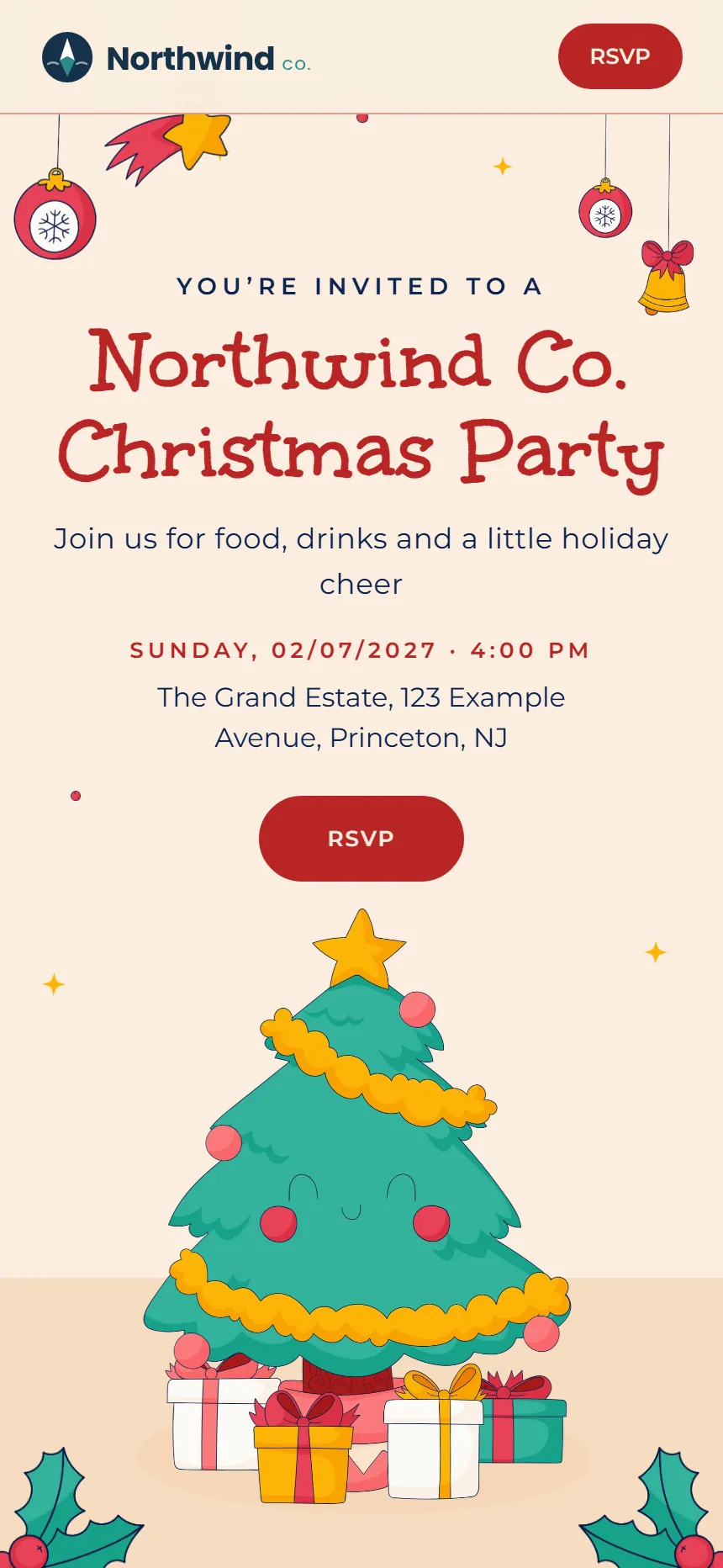
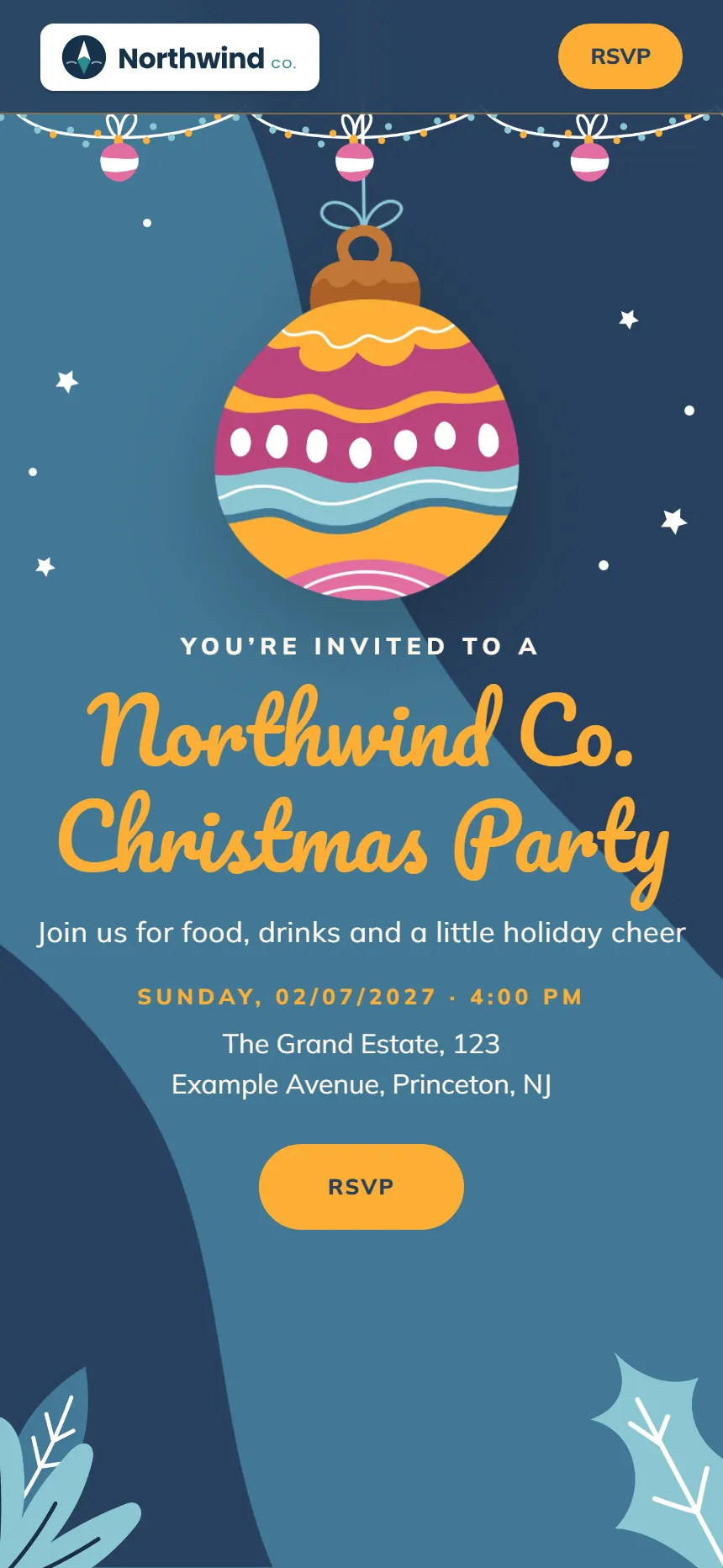
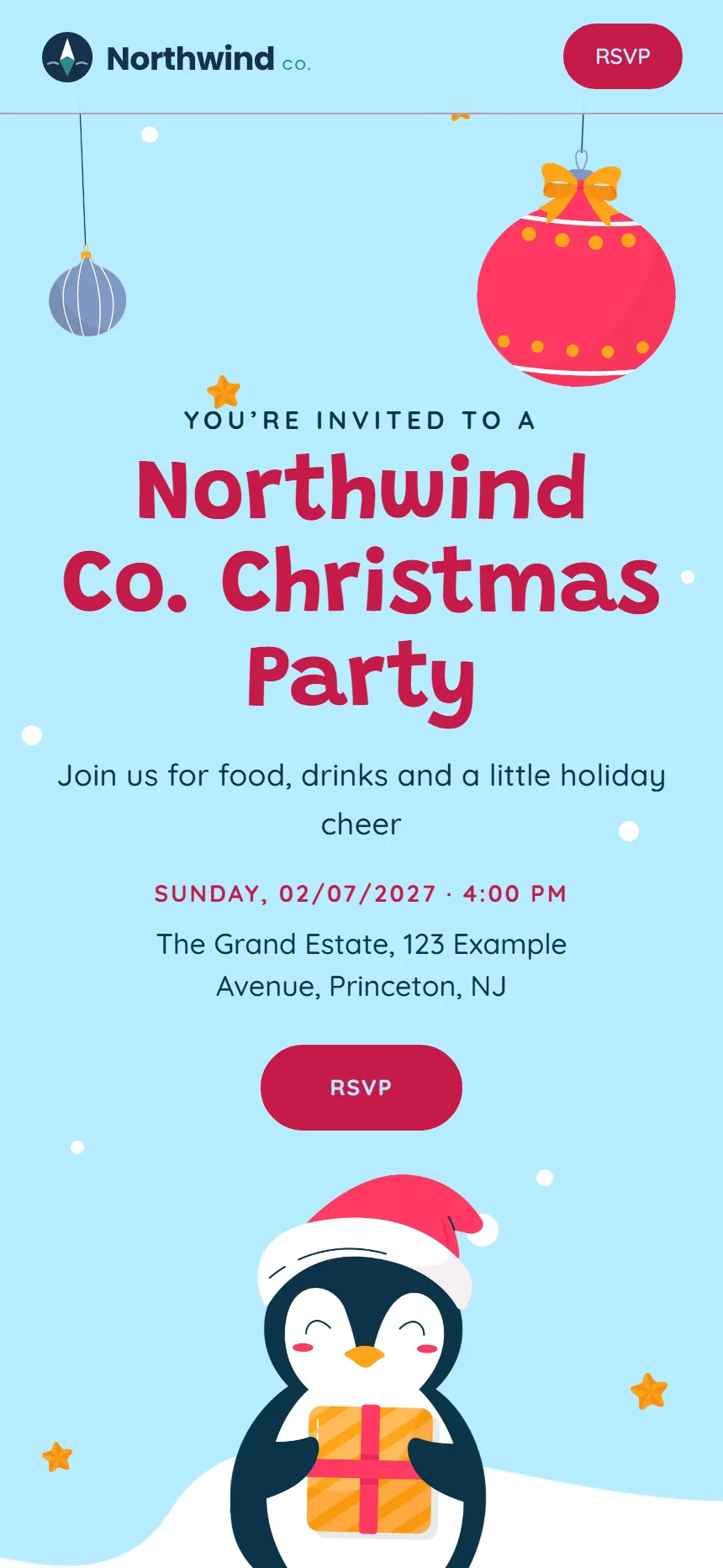
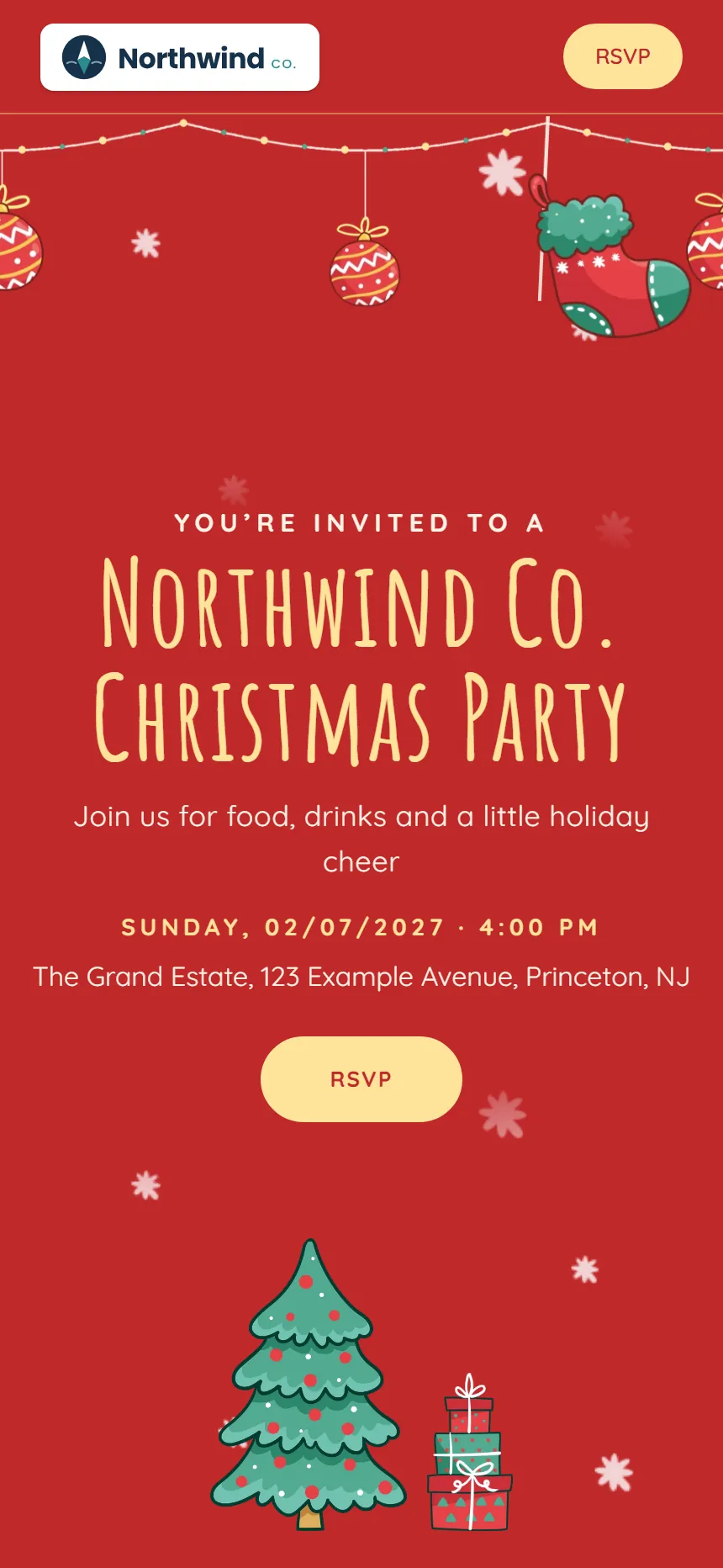
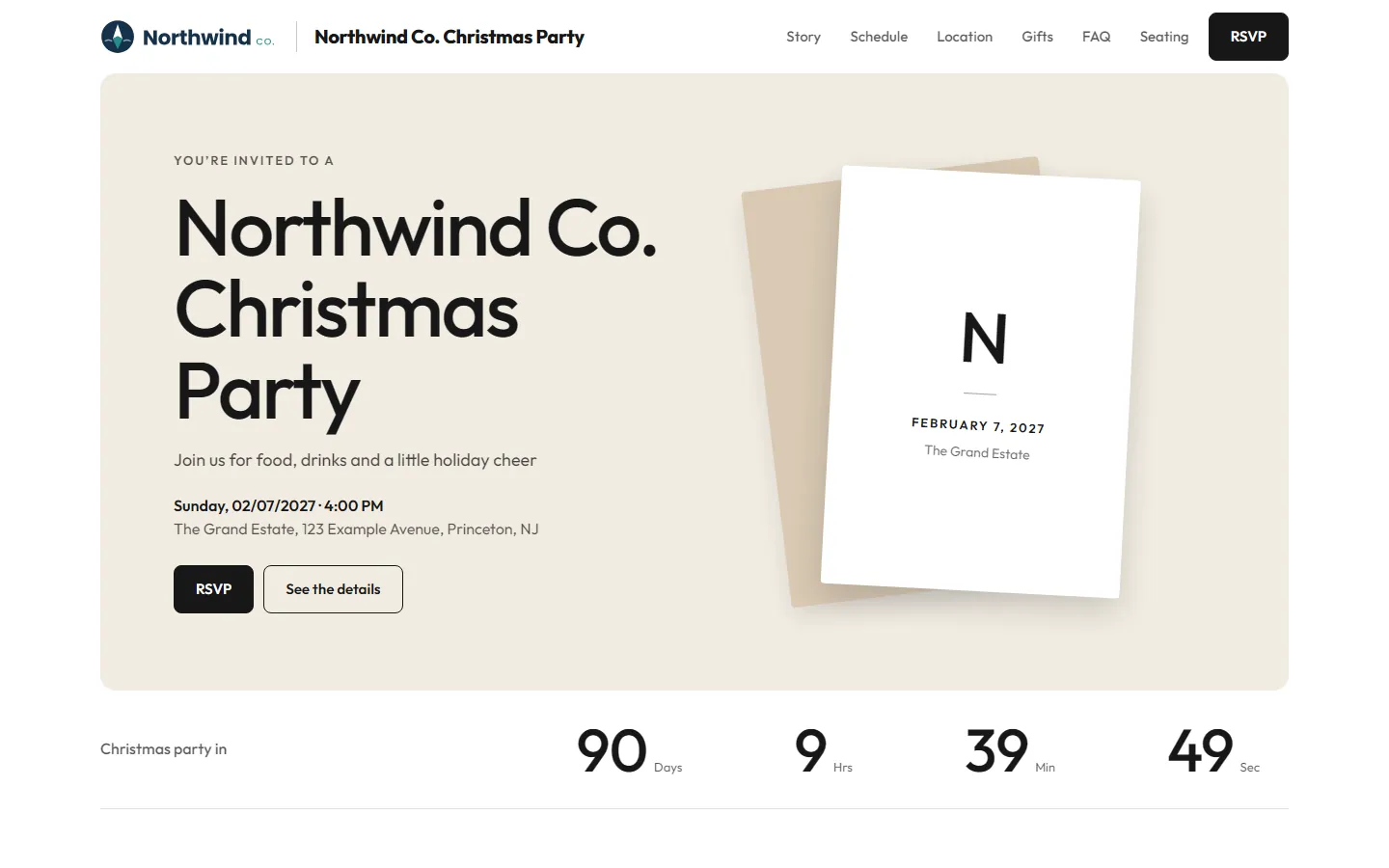
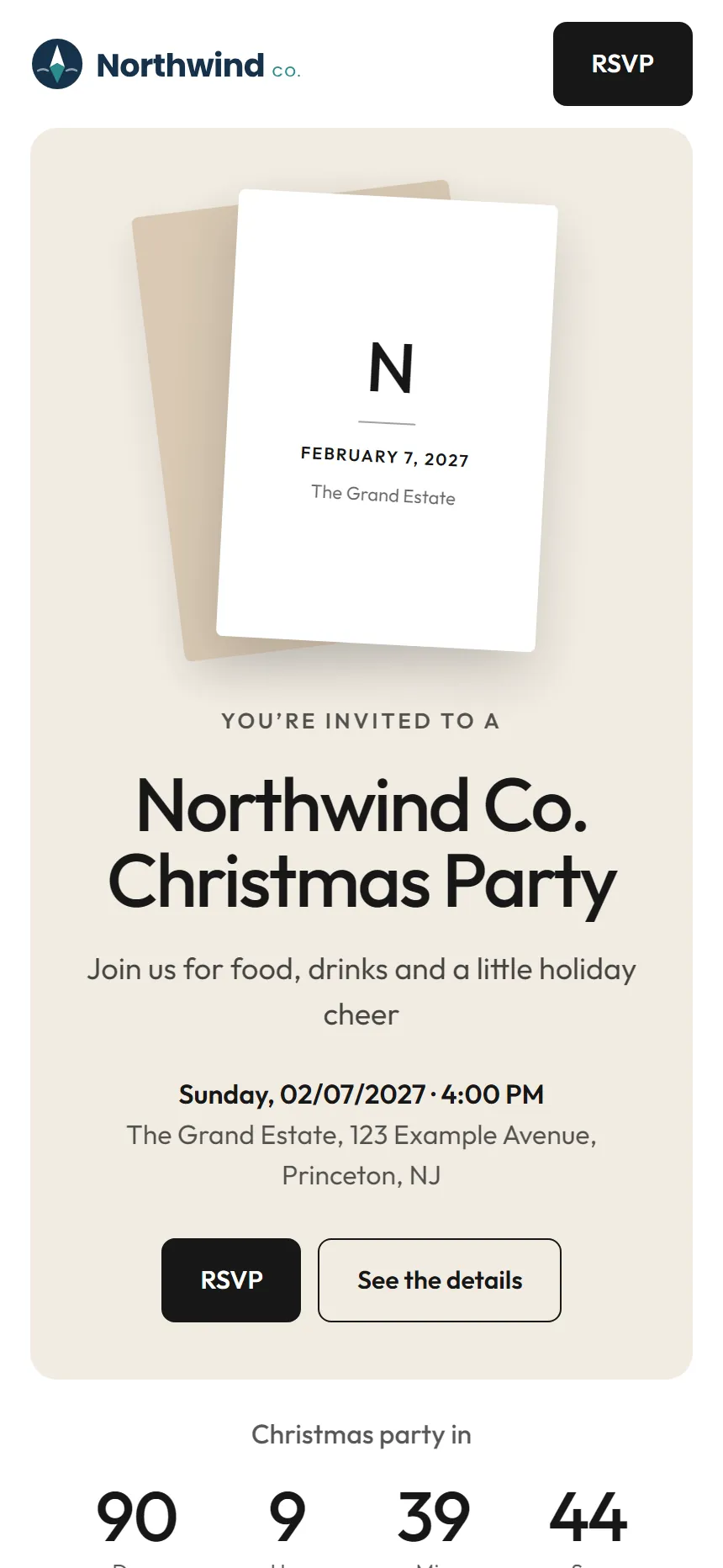
The same party website on a phone
  • Freeevent website and RSVPs
  • No limiton guests
  • No appor account for guests
  • Every phoneadds photos and videos
Pro planPro · $39.90 a year

Your brand on every page. On your own domain.

Guests see your company, not ours: your logo on the site, the RSVP, the memories pages and the live screen, all on your own web address, with no “Powered by Ceremono”.

Your logo, wherever guests look

  • The event website’s top bar and footer, in every design; on dark designs it sits on a white plate
  • The RSVP page, above the event’s name
  • The memories page and the photo upload page your QR card opens
  • The live screen’s corner, on the projector or LED wall
  • Upload it once in Settings → Team; hide it on any one event in the site editor

On your own domain

  • event.yourdomain.com for one event
  • events.yourdomain.com/<event> for all of them, with a page listing your events
  • One CNAME record from your IT team; HTTPS is set up for you
  • Guests never leave your domain: /, /rsvp, /memories, /upload, /live, /requests
  • Your links and QR codes use your address
A company Christmas party website in Ceremono Classic, with the company’s logo in its top bar
  • The event website with the company logo in its top bar Event websiteevent.yourdomain.com
  • The RSVP page with the company logo RSVPevent.yourdomain.com/rsvp
  • The memories page with the company logo on its cover Memoriesevent.yourdomain.com/memories
  • The live photo screen with the company logo in its corner Live screenevent.yourdomain.com/live
Event websiteFree

A party site in your company’s colors.

Pick a design, add the date and venue, and share one link. When you choose A company or team, the site speaks to colleagues (“An evening to celebrate the year together”), and it comes with a run of show, an FAQ and a party story written for an office party, ready to check and switch on in the editor.
  • Switch between the design’s colorways, or set your own colors and fonts
  • RSVP form built into the page
  • The evening’s schedule, a countdown and a location map
  • An FAQ for a company party: dress code, plus-ones, getting there, dietary needs
  • A gift exchange section, filled in from your setup
  • Edit any text or photo right on the page, and preview it on desktop and phone
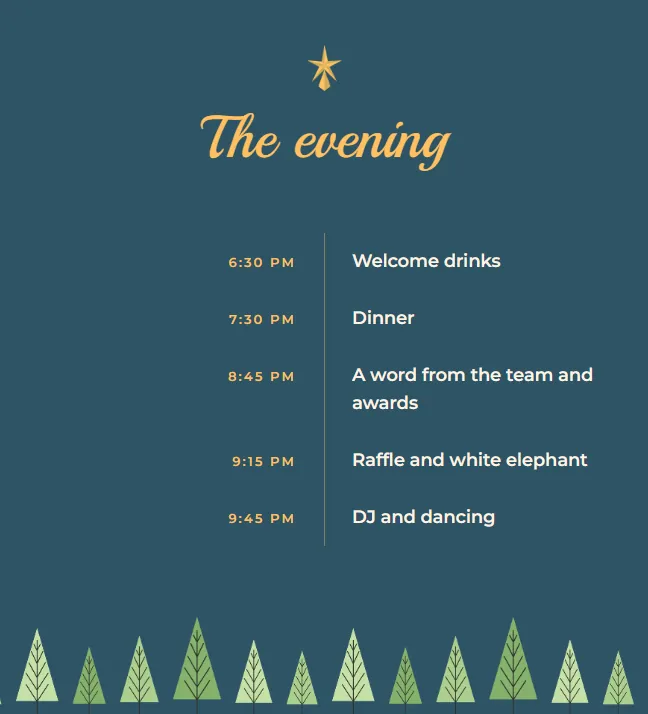
The evening’s schedule on the Northwind Co. demo party site: welcome drinks, dinner, awards, raffle and white elephant, DJ and dancing
RSVPsFree

Know who’s coming, and what they eat.

Employees answer on the party site from any phone or laptop. Every reply lands in your guest list.

  • Plus-ones, with a limit you set
  • Meal choices (Meat, Fish, Vegetarian to start, rename them freely) with an allergy and dietary note
  • Add your own questions: short or long answers, multiple choice, checkboxes, dropdowns
  • Song requests: employees search real songs, with album covers
  • Export every answer to Excel, CSV or TXT

Who can reply

Anyone with the linkShare it in your team chat or newsletter.
Only your guest listPeople type their name as it is on your list.
With a passwordOne word for the whole office.
A company party’s RSVP starts with
Full name
Will you attend?Joyfully AcceptsRegretfully Declines
Joining the gift exchange?Count me inNot this year
Then add a plus-one count (“Will you bring a plus-one?”), meal choices, song requests or anything else in RSVP Builder.
MusicFree

A holiday playlist the whole office asked for.

Song requests come in with the RSVPs. The free Playlist Planner turns them into the music for the night, ready for your DJ or your own speakers.
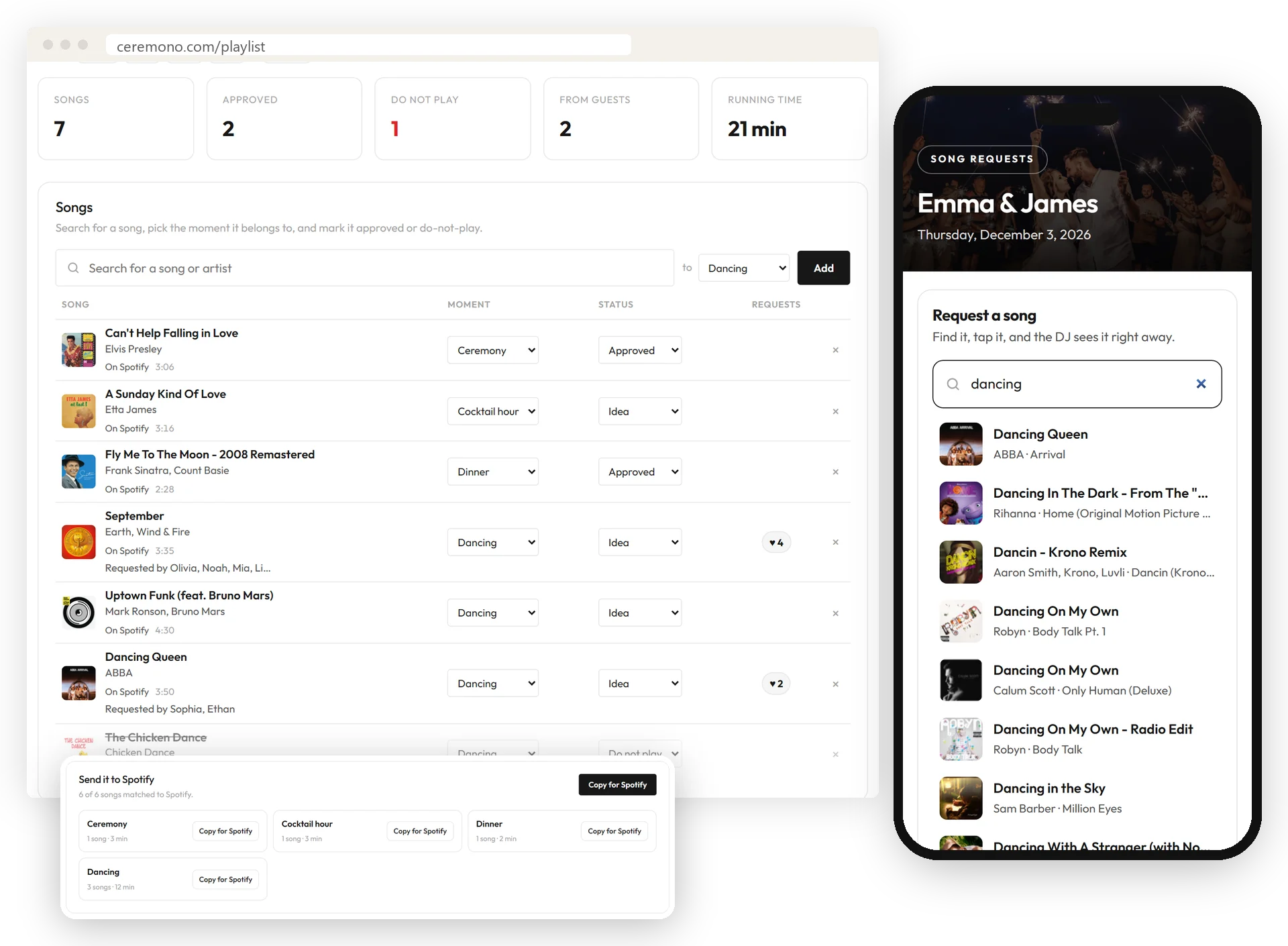
  • Employees search real songs, with album covers, on the RSVP form, or pick from Christmas song ideas
  • Requests imported into the Playlist Planner, with how many people asked for each song
  • Moments made for the party (Arrivals, Welcome drinks, Dinner, Dance floor), with the running time of each
  • A do-not-play list, so nothing awkward comes on at the office party
  • Copy for Spotify: paste the whole playlist into a Spotify playlist on a computer
  • A PDF or Excel file for the DJ
  • Guests scan the QR code on the live screen to request a song and heart the ones others asked for
  • A private DJ link with the live request queue: Played, Add to playlist or Dismiss
Plan the playlist How music works

Apple Music: coming soon.

The Playlist Planner with album covers, guest requests and Copy for Spotify, and the song request page on a phone
SeatingFree

Seat the whole company, then let everyone find their table.

Build the plan from your RSVPs. On the night, nobody crowds around a seating chart: employees type their name on the party site and see their table.
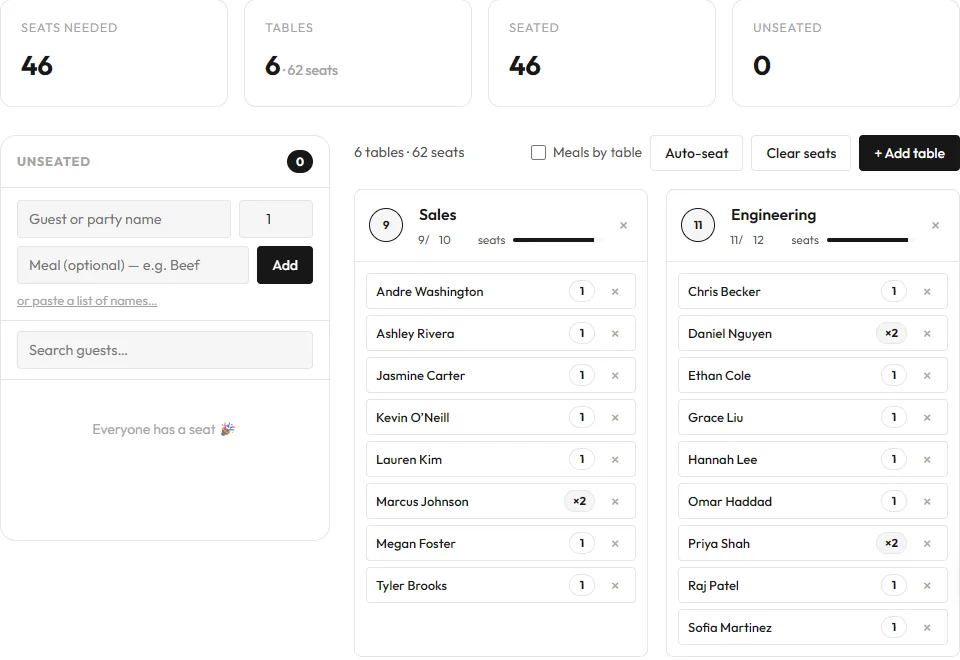
  • Round, square and long tables
  • Drag guests to tables, or use Auto-seat
  • A meals-by-table PDF for the caterer, with allergies flagged
  • Place cards and table signs filled in from your plan
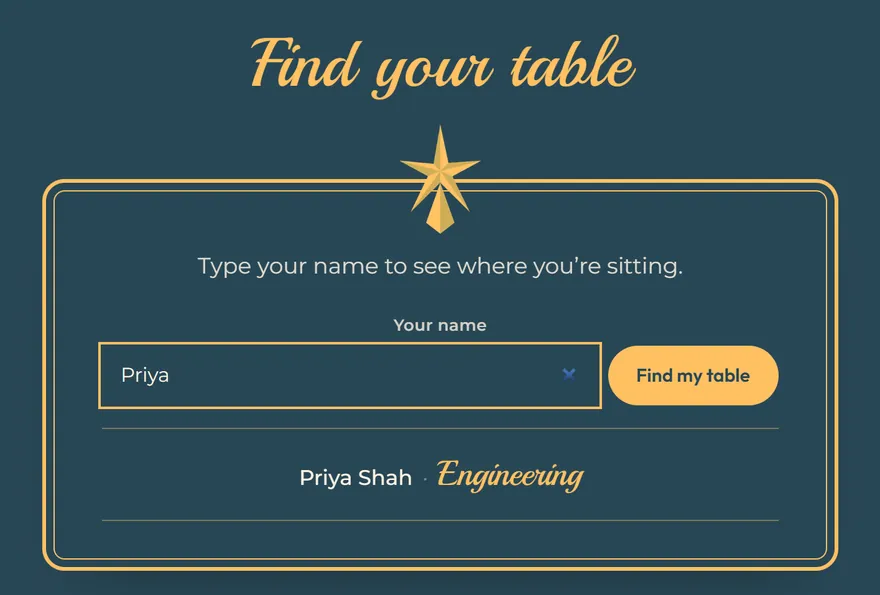
  • Find your table on the site: at least 3 letters, at most 5 matches shown, never the whole list
  • It follows your RSVP setting: limited to your guest list, it needs the full name
The seating plan of a company party: one round table per department, everyone seated, with Auto-seat
Find your table on the party site: a guest types Priya and sees Priya Shah, Engineering
Invitations & print272 Christmas designs

Everything for the night, in one matching suite.

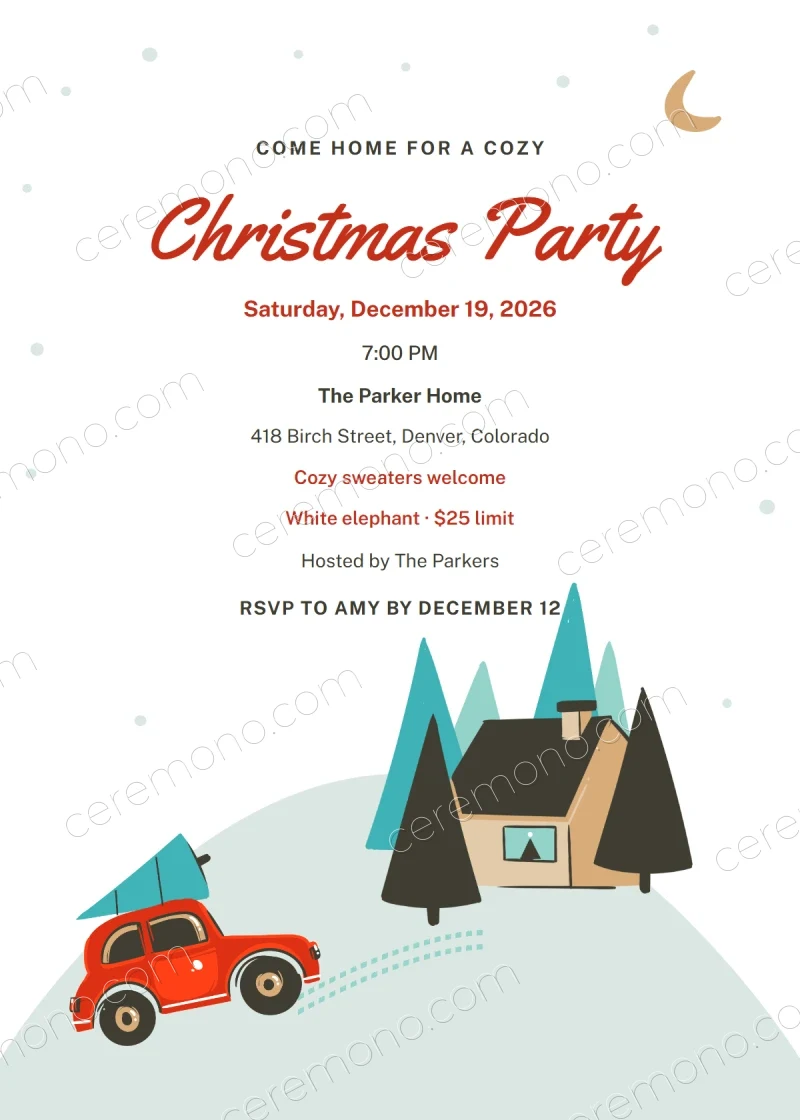
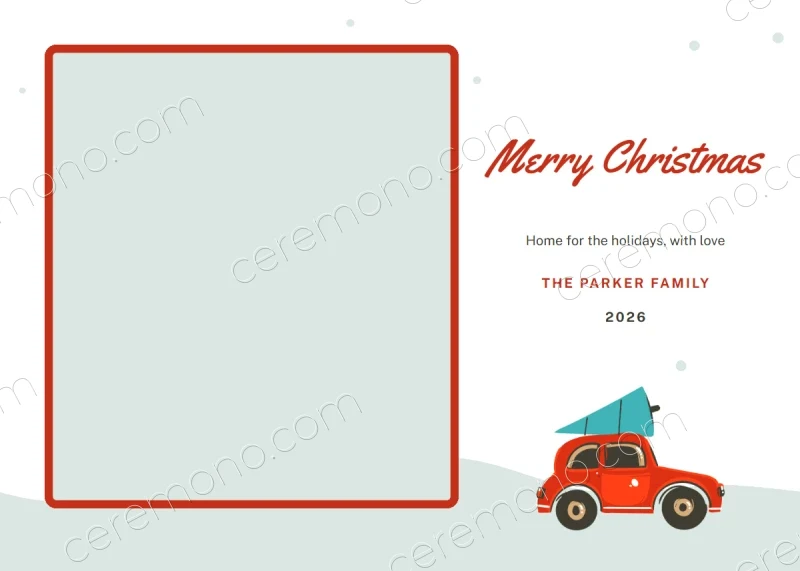
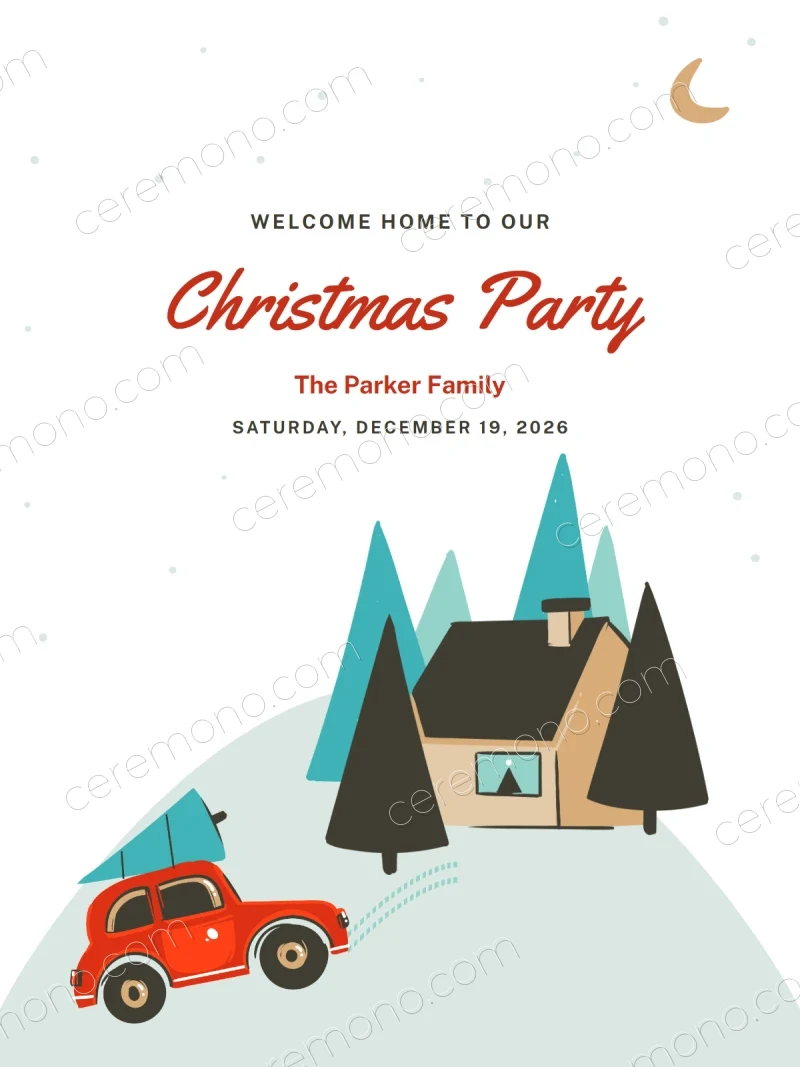
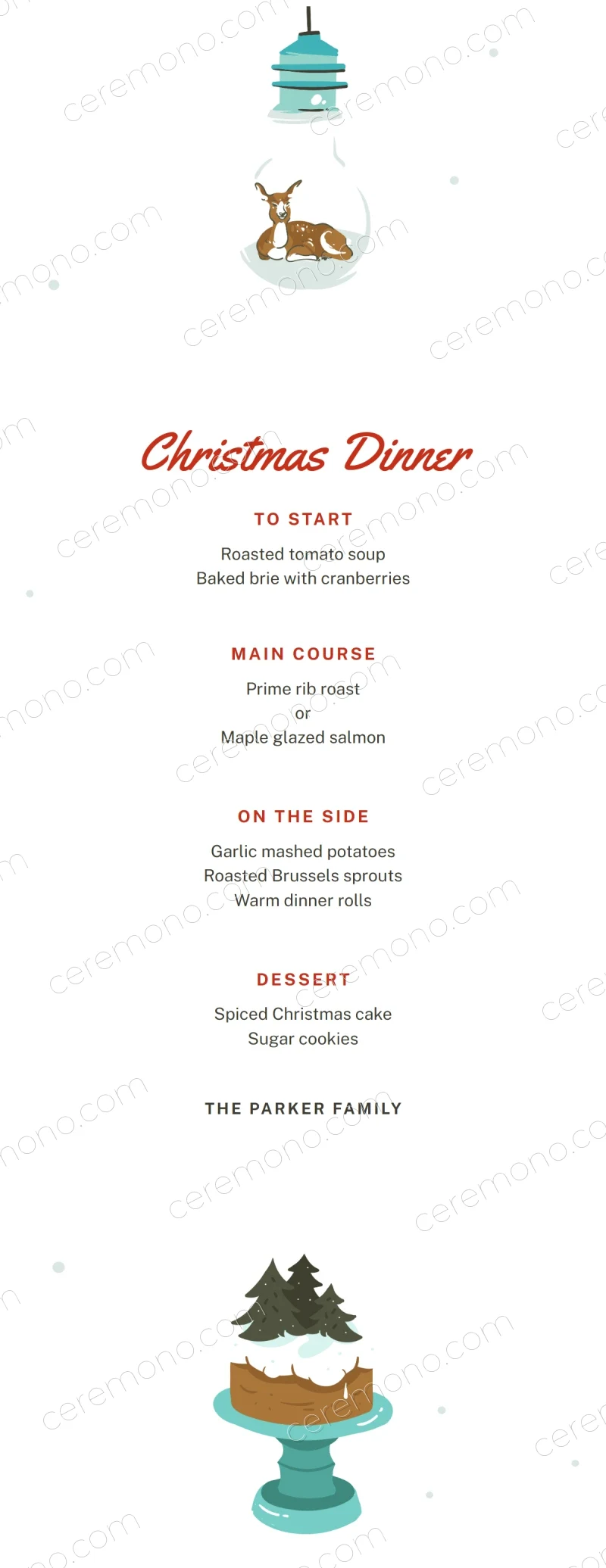
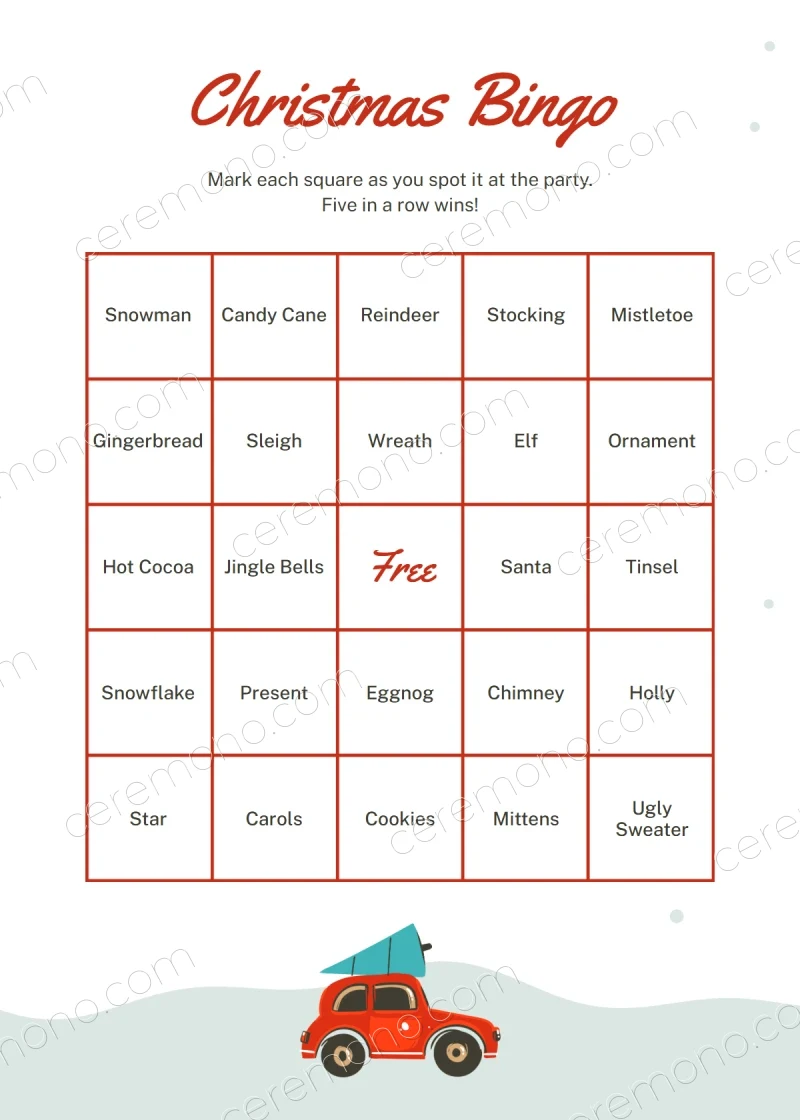
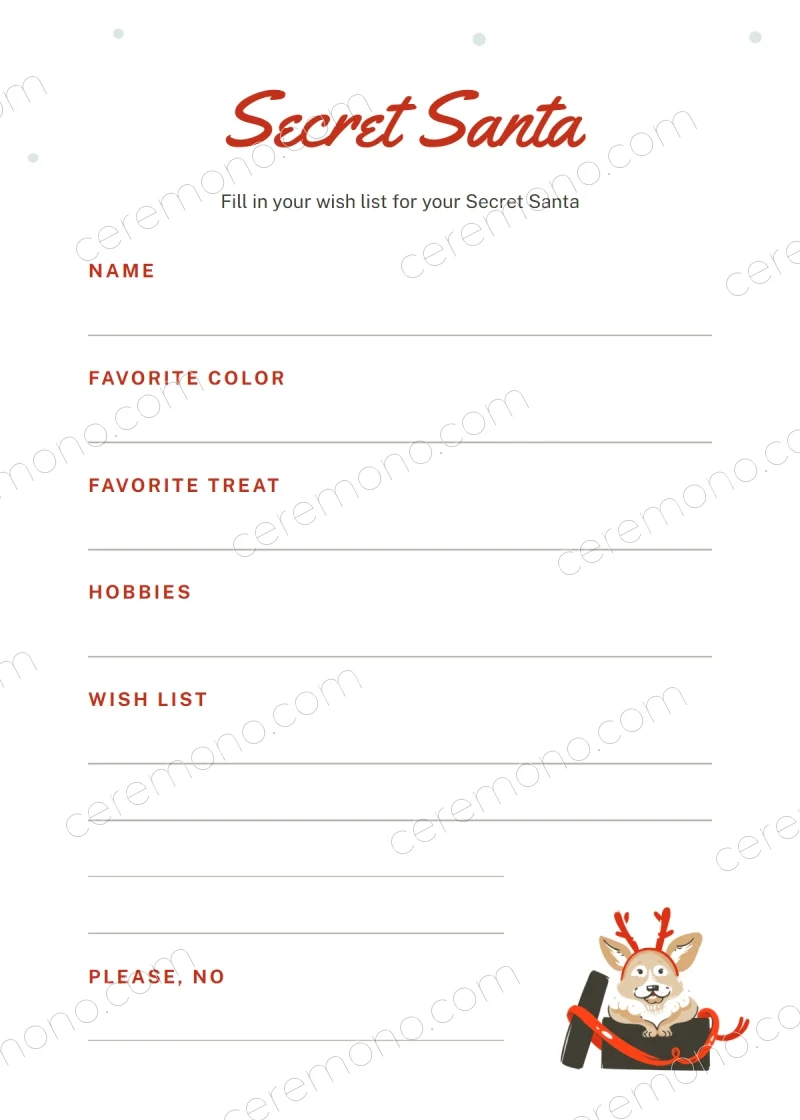
16 Christmas suites, up to 17 matching designs each: Christmas party invitation, photo Christmas card, welcome sign, menu, place cards, table name, Christmas bingo, Christmas trivia, Secret Santa wish list, gift tags and more.

  • Your party’s name, date and venue filled in for you
  • Place cards and table signs from your guest list and seating plan
  • Edit text, fonts and colors online, and switch colorways
  • Download a print-ready PDF, or a PDF to keep editing in Canva
See the Christmas designs Open Cabin Road

Premium designs are $4.99 each or $24.99 for the whole suite, paid once and yours for every event. Ordering printed copies is coming soon.

Memory VaultFree up to 250 MB

Every photo from the party, on the big screen and kept for the team.

Your colleagues take hundreds of photos on the night. Instead of losing them across a dozen phones and group chats, they go to one place, while the party is still going.
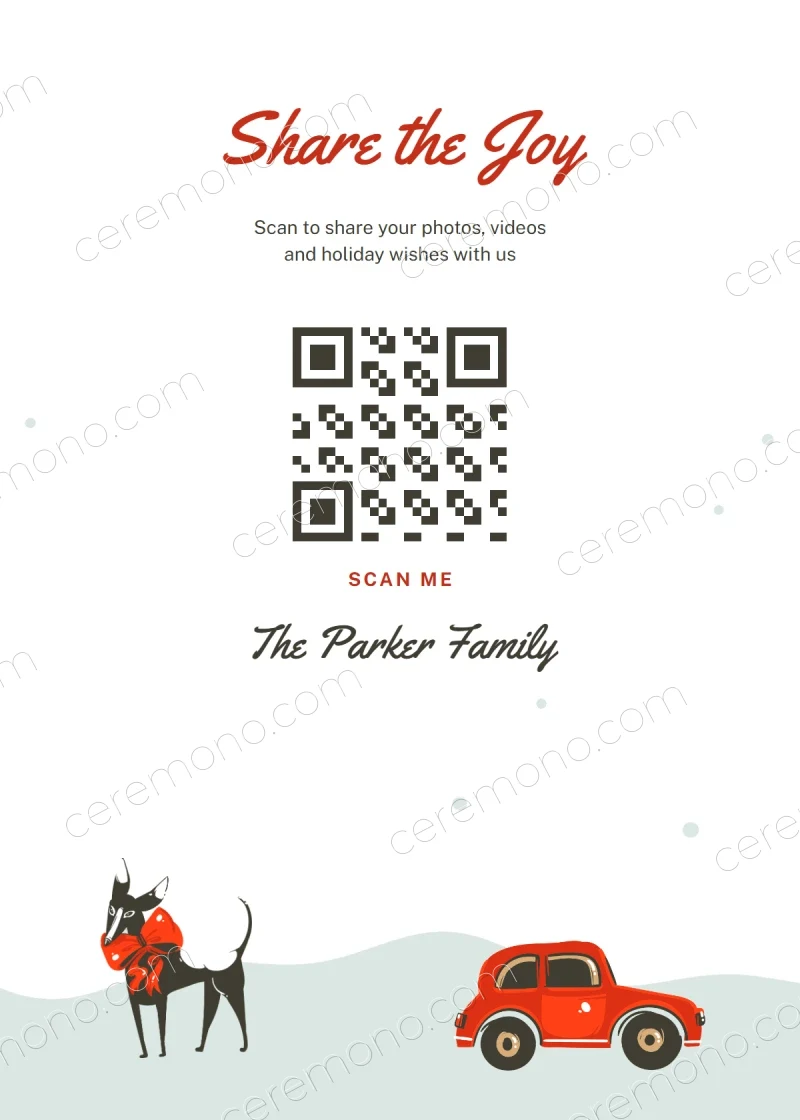
  1. Cabin Road · Memories QR Card
    1

    A QR card on every table

    Print the memories QR card from the suite, or show the code on screen. It opens your party’s upload page.
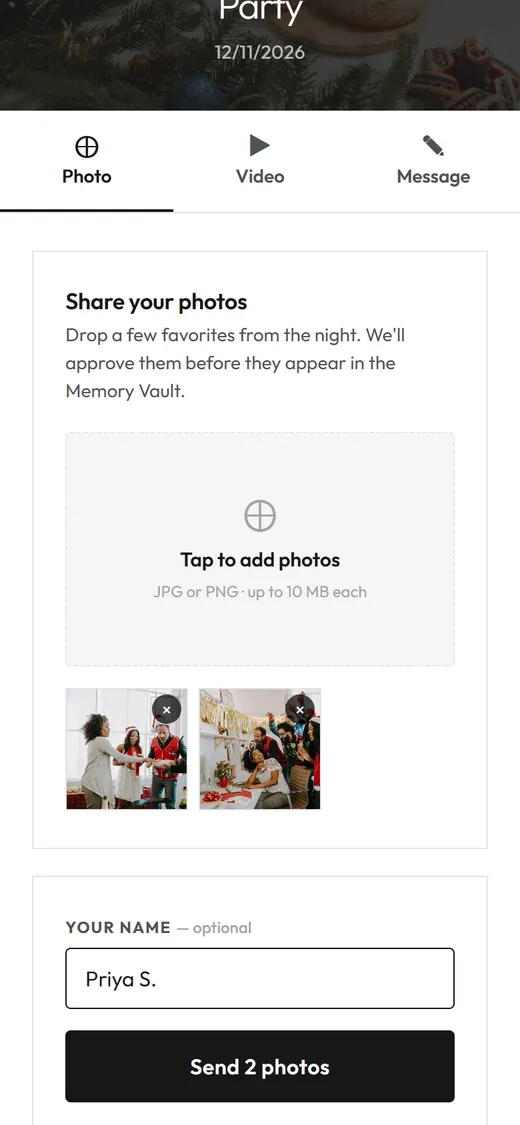
  2. The upload page on a phone: add photos, a video or a message
    2

    Colleagues add photos, videos and wishes

    From their phone’s browser, with no app and no login. A name is optional.
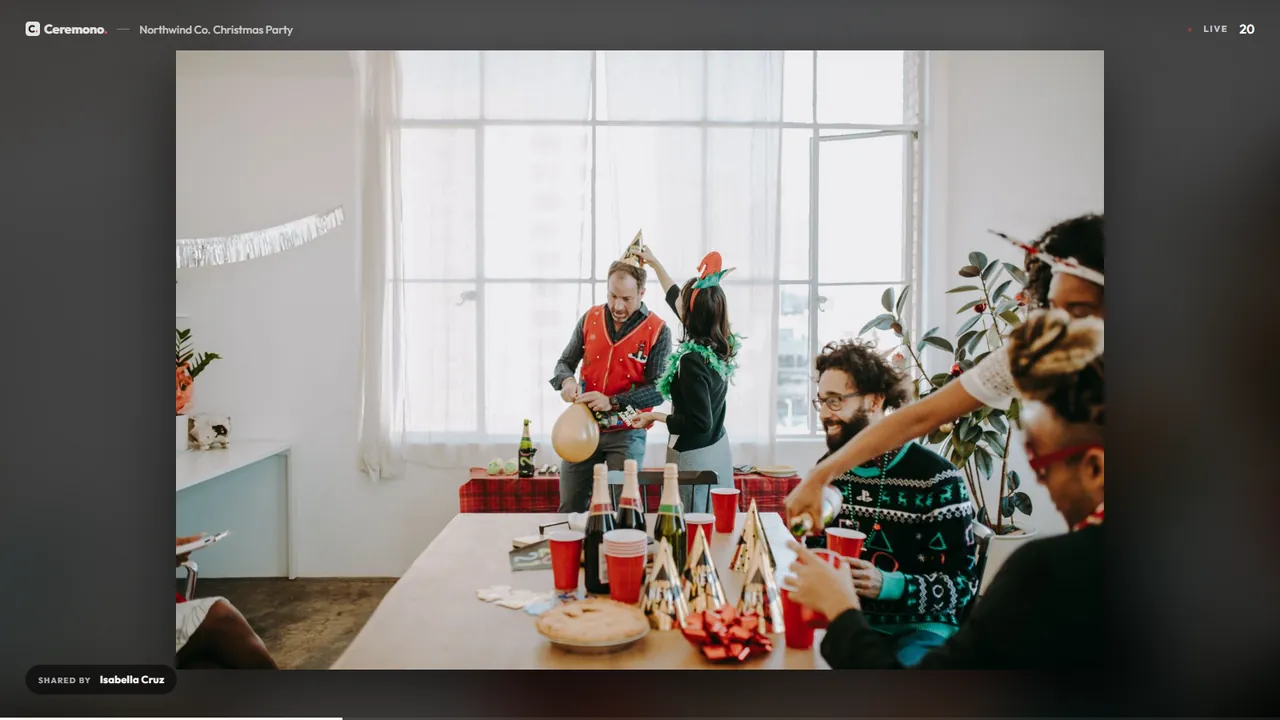
  3. The live screen at a company Christmas party, showing a colleague’s photo and who shared it
    3

    They appear live on the big screen

    Open the live screen on a projector, LED wall or TV. Between photos it shows the QR code so more people join in.
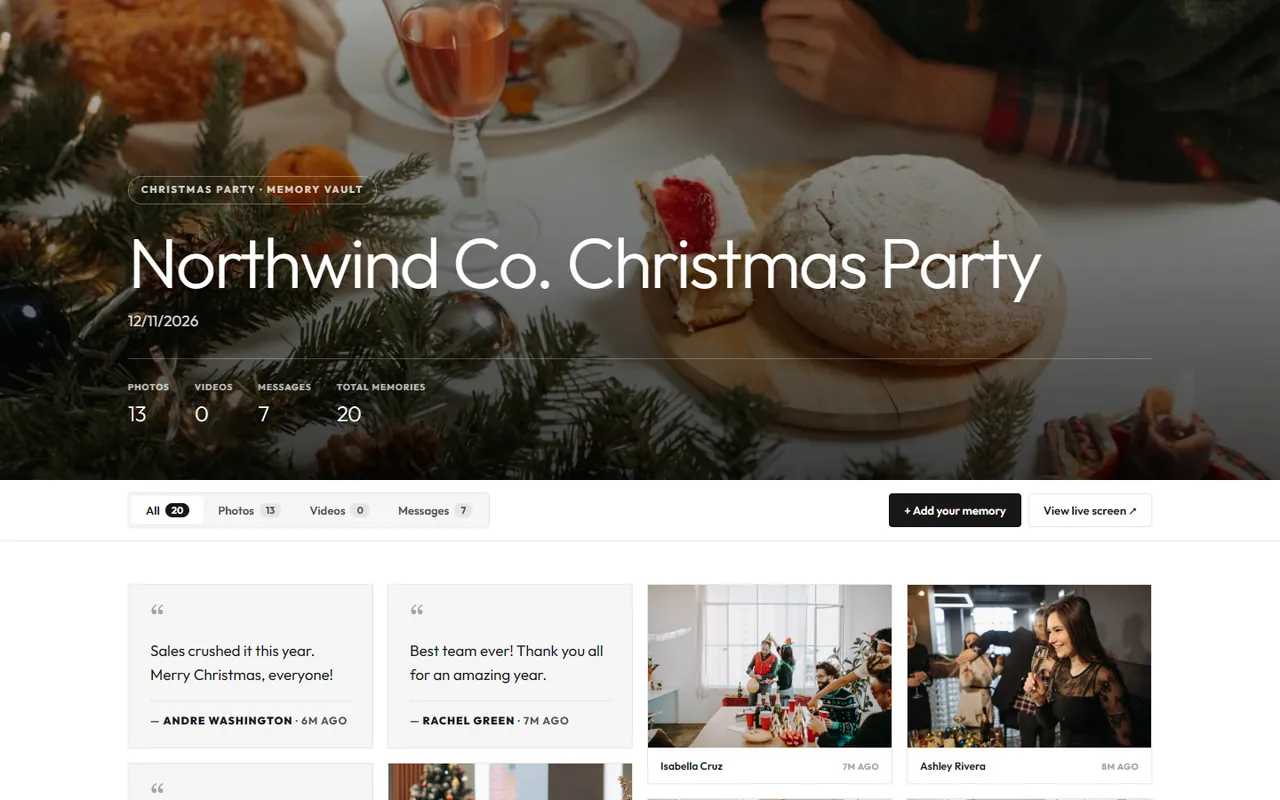
A memories page with guest photos and messages

You stay in control

  • Approve each photo, video and message before it appears, or switch approval off
  • Photos up to 10 MB by default, videos up to 80 MB
  • A memories page to share with the team after the party
  • Download everything as a ZIP for the company archive or next year’s invite
  • It stays in your account after the party
250 MBfree with every account
5 GB$3.99 a month each, as many as you need

When the space is full, new uploads pause; everything already there stays.

How it works

Three steps to the party.

Step-by-step guide →
  1. 1

    Create the party

    Choose Christmas Party, then A company or team. Add the date, venue, dress code and gift exchange, and start from a run of show and budget made for an office party.

  2. 2

    Share the site

    Pick a design, publish, and send the link or its QR code in your team chat, email or on a printed invitation.

  3. 3

    Seat, celebrate, collect

    Seat everyone from the RSVPs, put the QR cards on the tables and open the live screen when the doors open.

Pricing

Free for one planner. Pro for the whole office.

Free

$0 no card needed
  • Unlimited events and guests
  • Event website, RSVPs, seating and Find your table
  • Memory Vault with a live screen
  • 250 MB for guest photos and videos
  • “Powered by Ceremono” on the event site
Create a free account

Pro

$39.90 a year
  • Everything in Free
  • 50 GB for guest photos and videos
  • +50 GB at a time for $29.90 a year
  • Unlimited team members on your events
  • No “Powered by Ceremono” on your event sites
  • Your company logo on the site, RSVP, memories and live screen
  • Your own domain, like event.yourdomain.com
  • One premium invitation suite, yours to keep
  • 10% off the shop
Start with Pro

For your own company’s staff events. Events you run for clients aren’t covered: see the terms.

How much space will your event need?

Guests share photos and videos from their phones. Change the numbers to match your event.

Uploads are capped at 10 MB a photo and 80 MB a video.

People sharing
60
Photos
1,200
Videos
120
Estimated
11.7 GB
Recommended space 14.1 GB
050 GB

Questions

For the people planning it.

More on how we handle data in our privacy policy.

Is it really free?

Yes. The event website, RSVPs, the guest list, the seating plan, the Find your table search and the planning tools are free, with no subscription and no card to start. The Memory Vault is free up to 250 MB per account.

What costs money?

Only optional extras: more Memory Vault storage (5 GB for $3.99 a month each, renewed monthly until you stop it, or Pro with 50 GB for $39.90 a year) and premium print designs ($4.99 a design or $24.99 for a whole suite, paid once). Ordering printed copies is coming soon; for now you download the PDF and print it yourself or with your printer.

Do employees need an account or an app?

No. Guests RSVP on your event website and share photos from their phone’s browser, without signing up or installing anything. Only the organizer has a Ceremono account.

Can we keep it private?

Your event website is reached by its link and isn’t indexed by search engines. You choose who can RSVP: anyone with the link, only people on your guest list, or anyone with a password you set. In the Memory Vault you can approve every photo and message before it shows.

How many guests can we invite?

There’s no guest limit. Add people one by one, paste a list, or import up to 1,000 at a time from Excel, CSV or TXT.

Can several organizers manage the party?

Yes, with the Pro plan: colleagues join your company workspace with their own login and run its events with you, as admins or members. On a free account each event is managed from one Ceremono account. Guests never need an account.

Does Ceremono send the invitations?

No. You share your event link yourself: in your team chat, by email, on the intranet or as a QR code on a printed invitation. Replies land in your guest list.

Will our site show Ceremono branding?

Free event sites show a small “Powered by Ceremono” line. With the Pro plan it’s gone from the site, RSVP, memories and live screen, and your company logo shows on them instead, on your own domain if you like (event.yourdomain.com).

Give the team a night to remember.

Create your company Christmas party now. It’s free, and you don’t need a card.