Wedding Invitation Ideas With a Matching Free Wedding Website
Six wedding stationery suites, from watercolor magnolias to hand-inked orchids, each with a free wedding website in the same design and colors. Ideas for choosing one, and how the website and its RSVPs work.
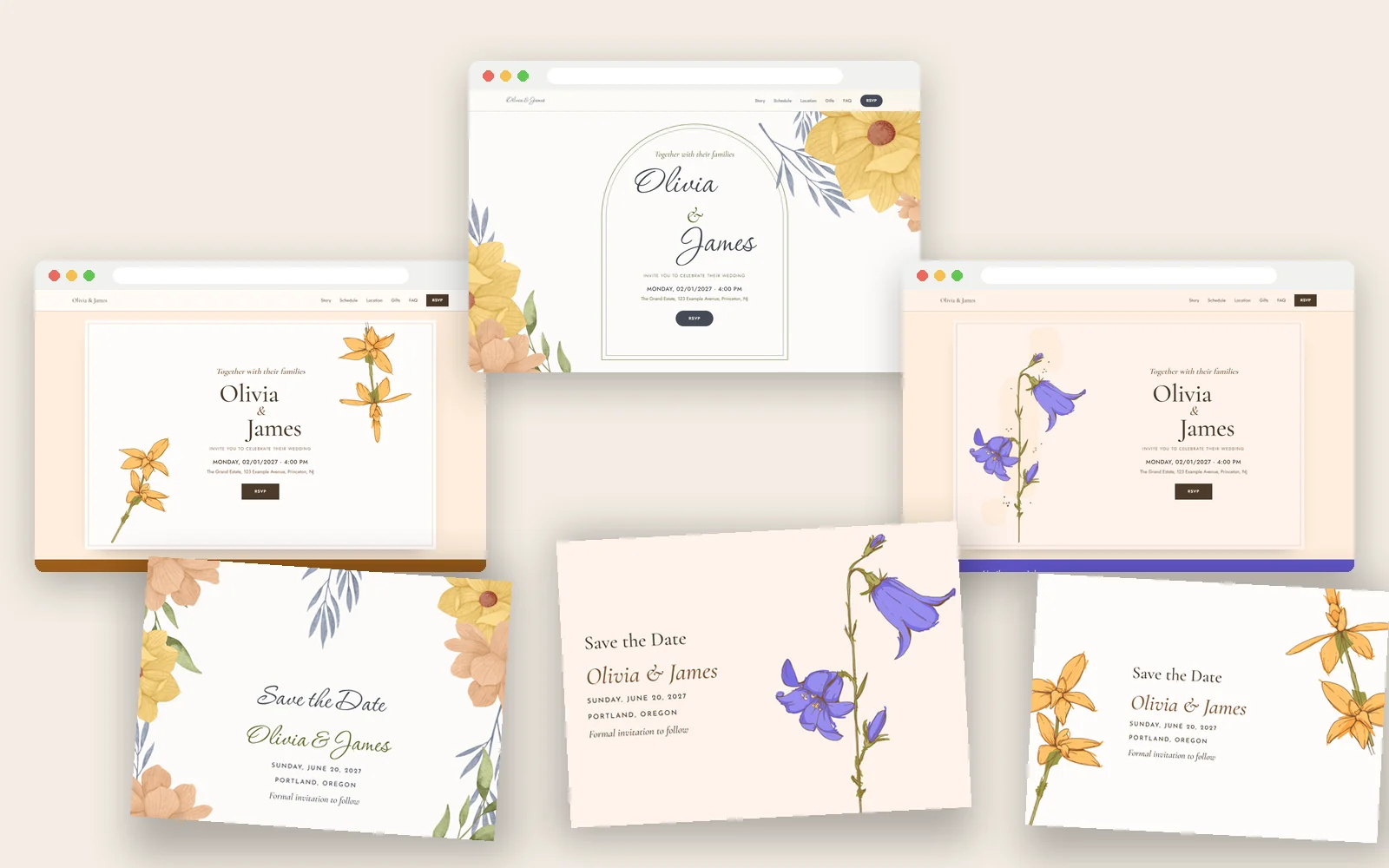
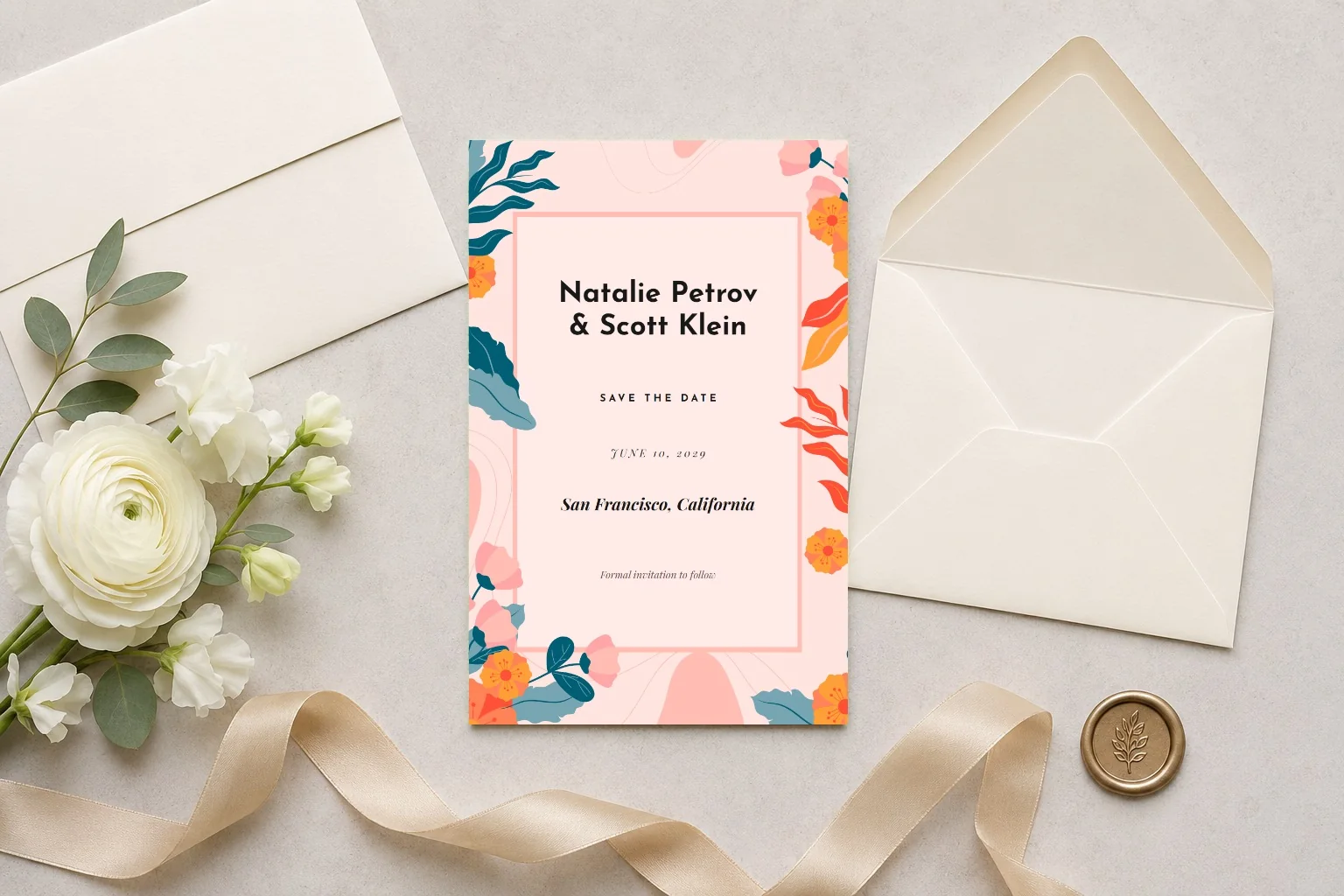
Your save the date is the first piece of your wedding that guests hold in their hands. A few weeks later they open your wedding website, and on the day they walk past a welcome sign, sit down at a place card and read a menu. When all of these share the same flowers and colors, the day feels planned from the first card to the last.
On Ceremono, each of the stationery suites below comes with a free wedding website in the same design. You choose a look once, and it carries through everything. Here are six ideas, who each one suits, and how the matching website works.
Why match your stationery and your website
- Guests know it's you. The link on your save the date opens a website that looks like the card in their hand, so nobody wonders if they're in the right place.
- One decision instead of ten. Pick a design and a color once. Your signs, menus and thank-you cards follow without another round of choosing.
- Your details go in once. Names, date and venue come from your event, so they're the same on every card and on the website.
1. Magnolia Arch: watercolor romance
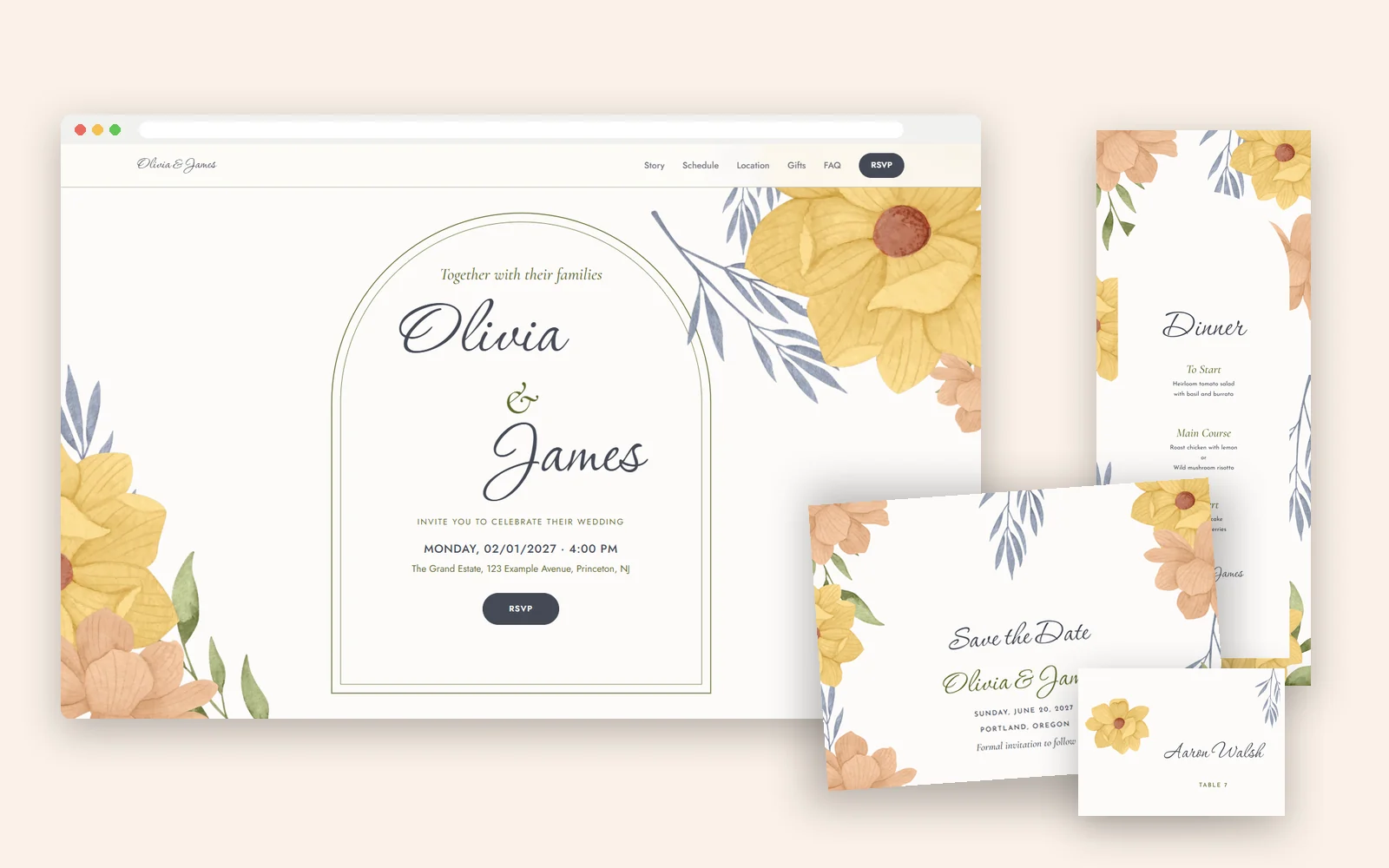
Painted magnolias in peach and gold frame a slim arch, and your names are set in a flowing script. It suits a garden ceremony, a spring or summer wedding, or anyone who loves the look of a hand-painted invitation.
On the website your names sit inside the same arch with the magnolias on either side, and photos are cut to the arch too. The suite has 14 designs, from save the dates to signs, menus, place cards and thank-you cards, in 8 colors from Blush to Midnight.
See the Magnolia Arch suite · Preview the website
2. Sage: greenery with a gold frame
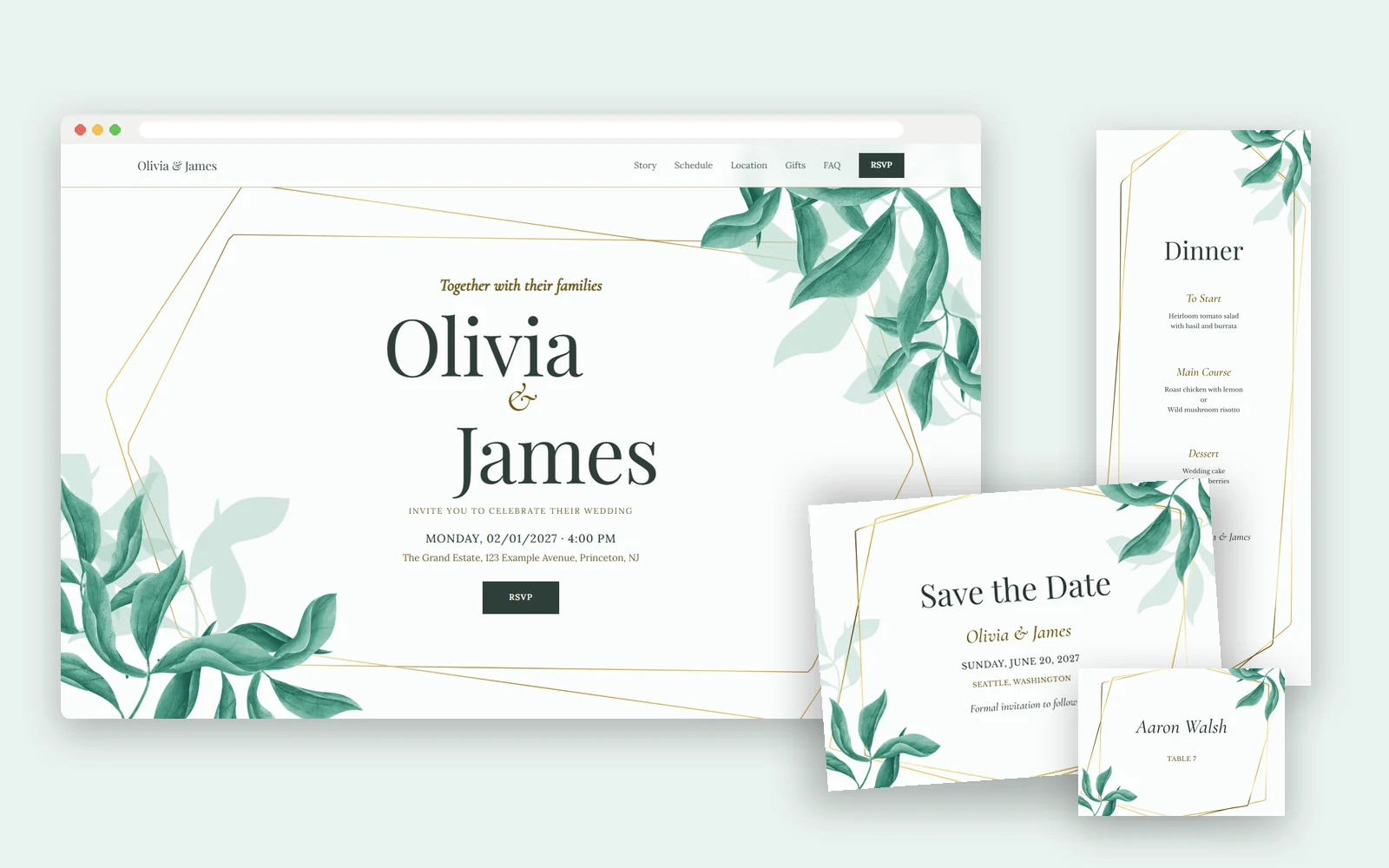
Watercolor leaves spill over a geometric gold frame. It's calm and a little modern, and it works in any season, from a vineyard in May to a winter ballroom in the Emerald color.
On the website the gold frame holds your names and photos take its six-sided shape. The suite is free to personalize and download, in 9 colors.
See the Sage suite · Preview the website
3. Bluebell: a cottage garden in ink
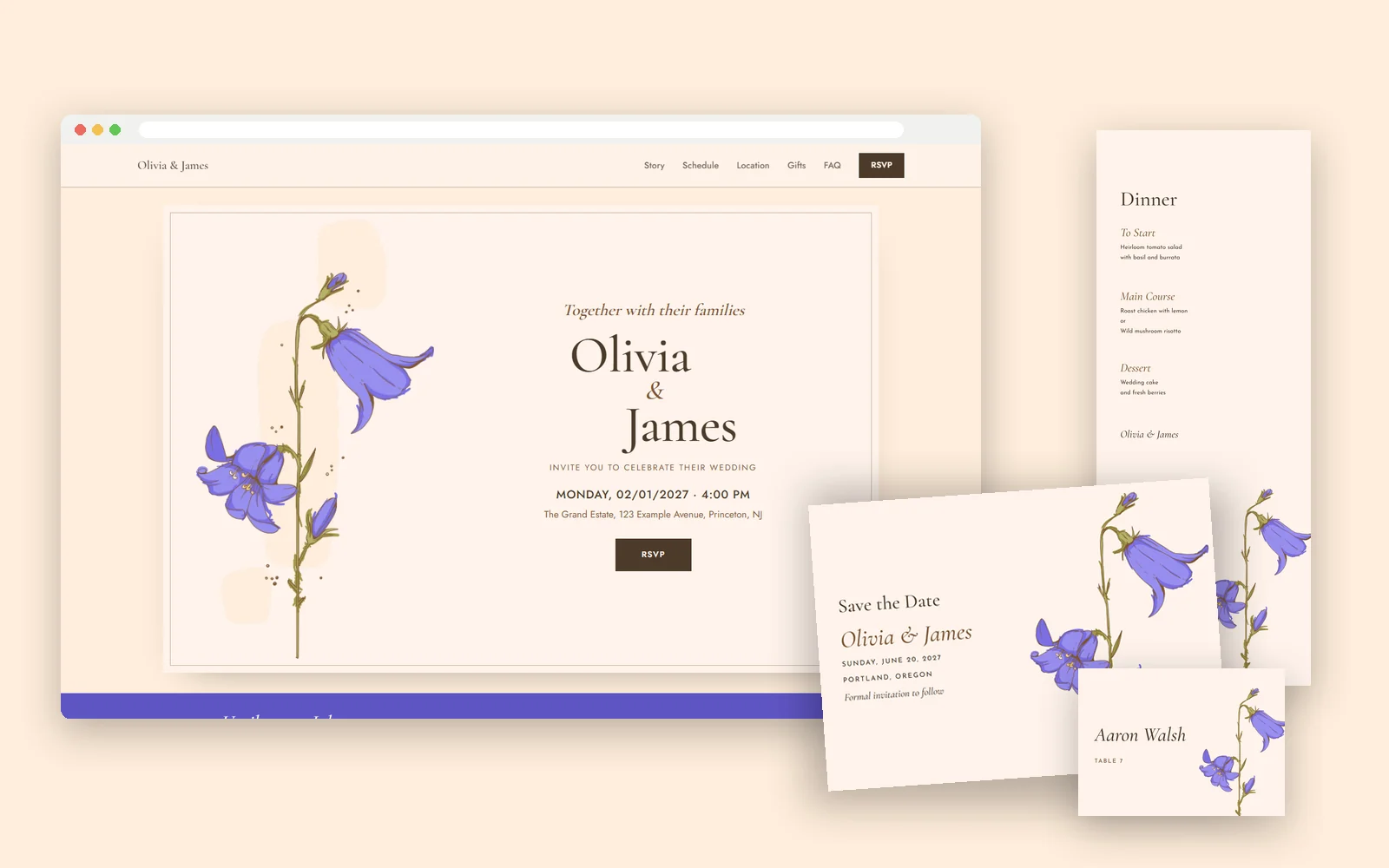
A single tall bluebell, drawn in ink and colored by hand, stands beside your names. It feels relaxed and personal, perfect for a spring wedding, a barn or a backyard.
On the website the bluebell stands at the left of an invitation card, with your names beside it. The suite has 14 designs in 7 colors, including Lilac, Dusty Blue and Burgundy.
See the Bluebell suite · Preview the website
4. Rose Orchid: soft pink and graceful
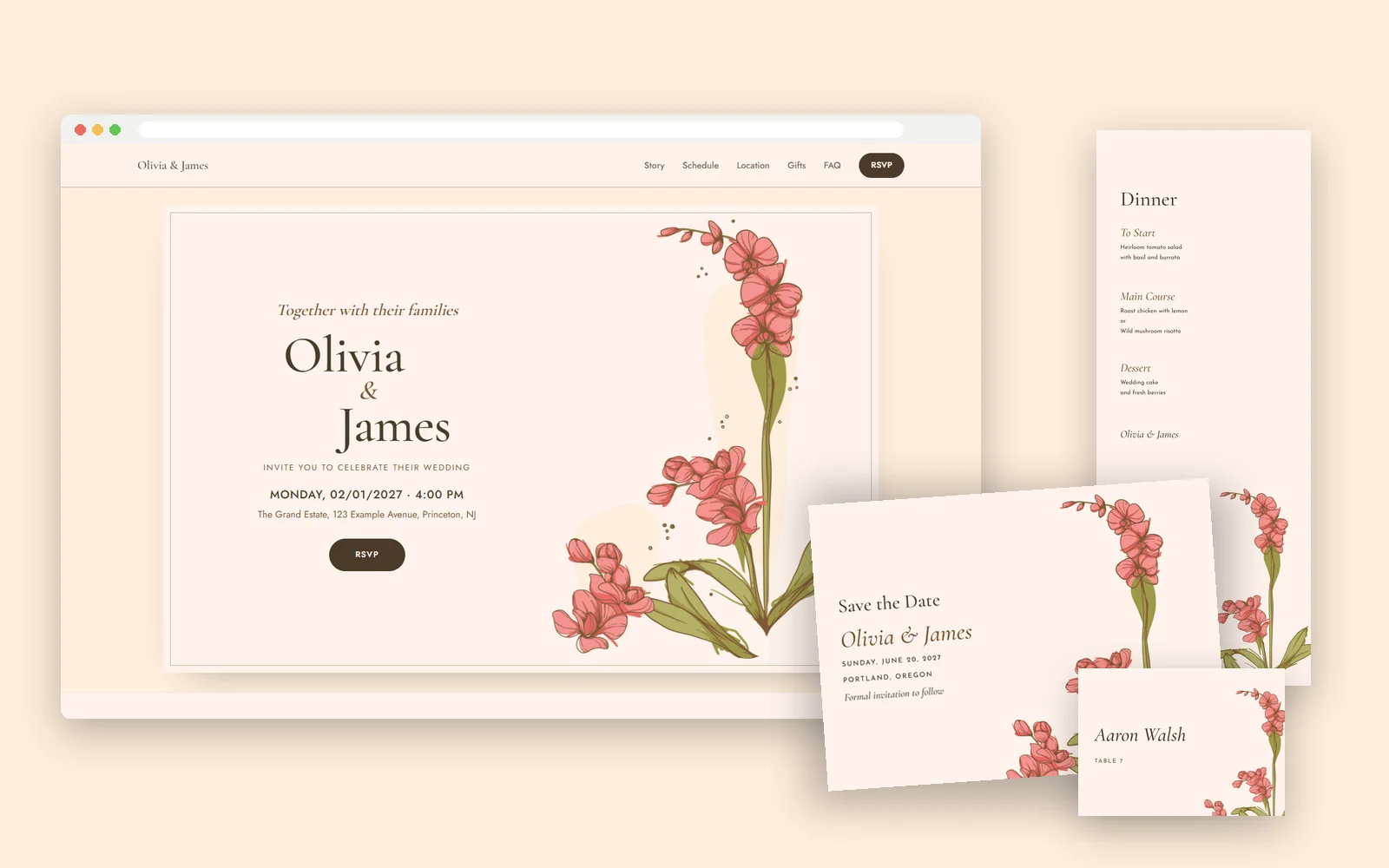
A pink orchid rises from its leaves along one side of the card. It's romantic without being frilly, and the rounded buttons and soft panels on the website keep it light.
On the website the orchid stands at the right of the invitation card and the RSVP opens on a warm rose band. The suite has 14 designs in 7 colors.
See the Rose Orchid suite · Preview the website
5. Golden Orchid: warm and full of light
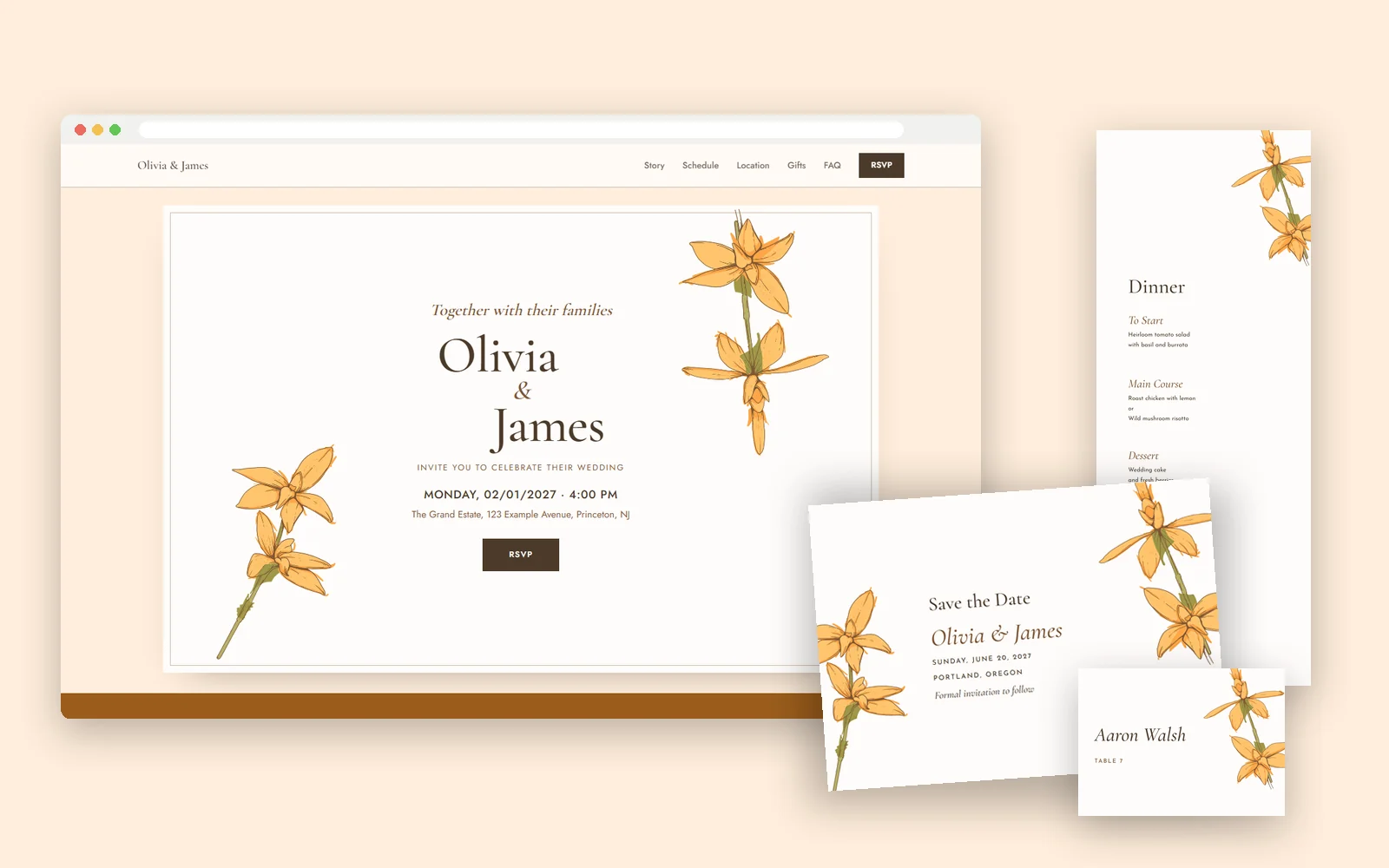
Golden orchids reach in from two corners and leave the middle of the card open for your names. It suits a summer evening, a destination wedding or a golden-hour ceremony.
On the website the two sprays frame your names the same way, and the countdown sits on an amber band. The suite has 14 designs in 7 colors.
See the Golden Orchid suite · Preview the website
6. Harvest Bloom: bold color for an autumn wedding
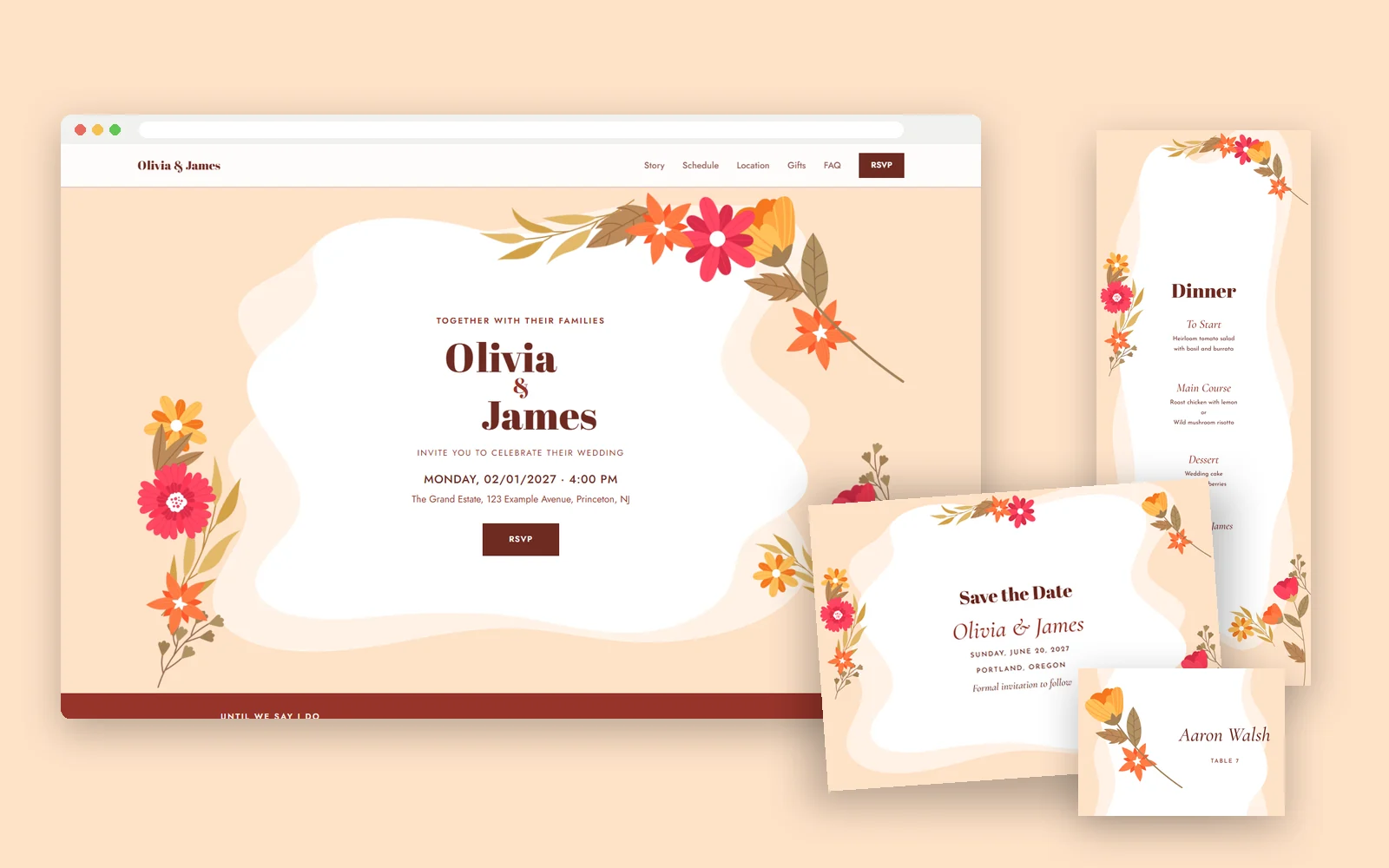
Gerberas, tulips and autumn leaves in red, orange and gold wrap around a wavy white panel, with your names in a bold serif. It's cheerful and confident, made for a fall wedding or anyone who wants color.
On the website the wavy panel becomes the invitation card and the flowers reach over its edges. The suite is free to personalize and download, in 7 colors.
See the Harvest Bloom suite · Preview the website
Choose the color once
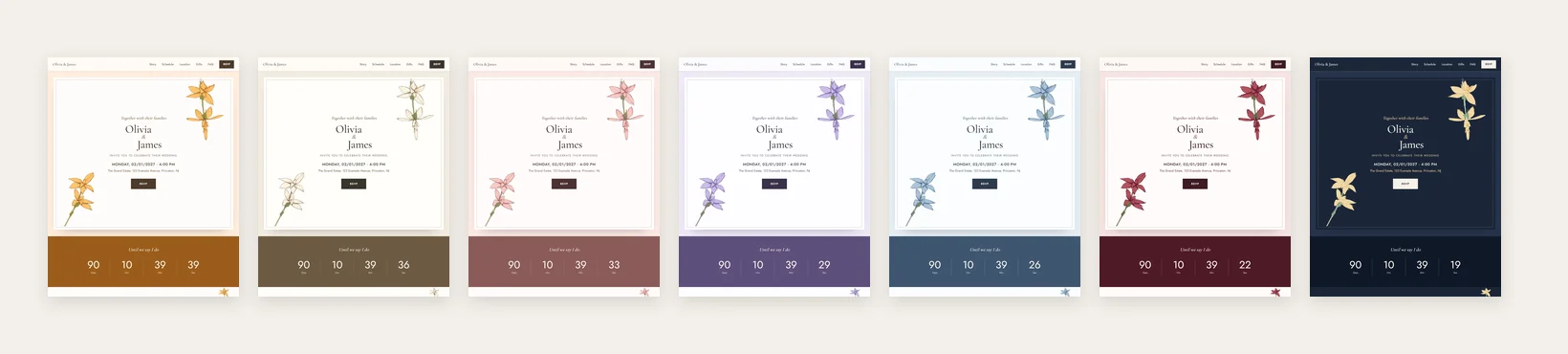
Every design comes in several colors, from soft pastels to deep Burgundy and Midnight. When you preview a website design you can switch its color and see the change right away, and the matching stationery shown beside it switches with it. Open the suite from there and it opens in the same color.
How the free wedding website works
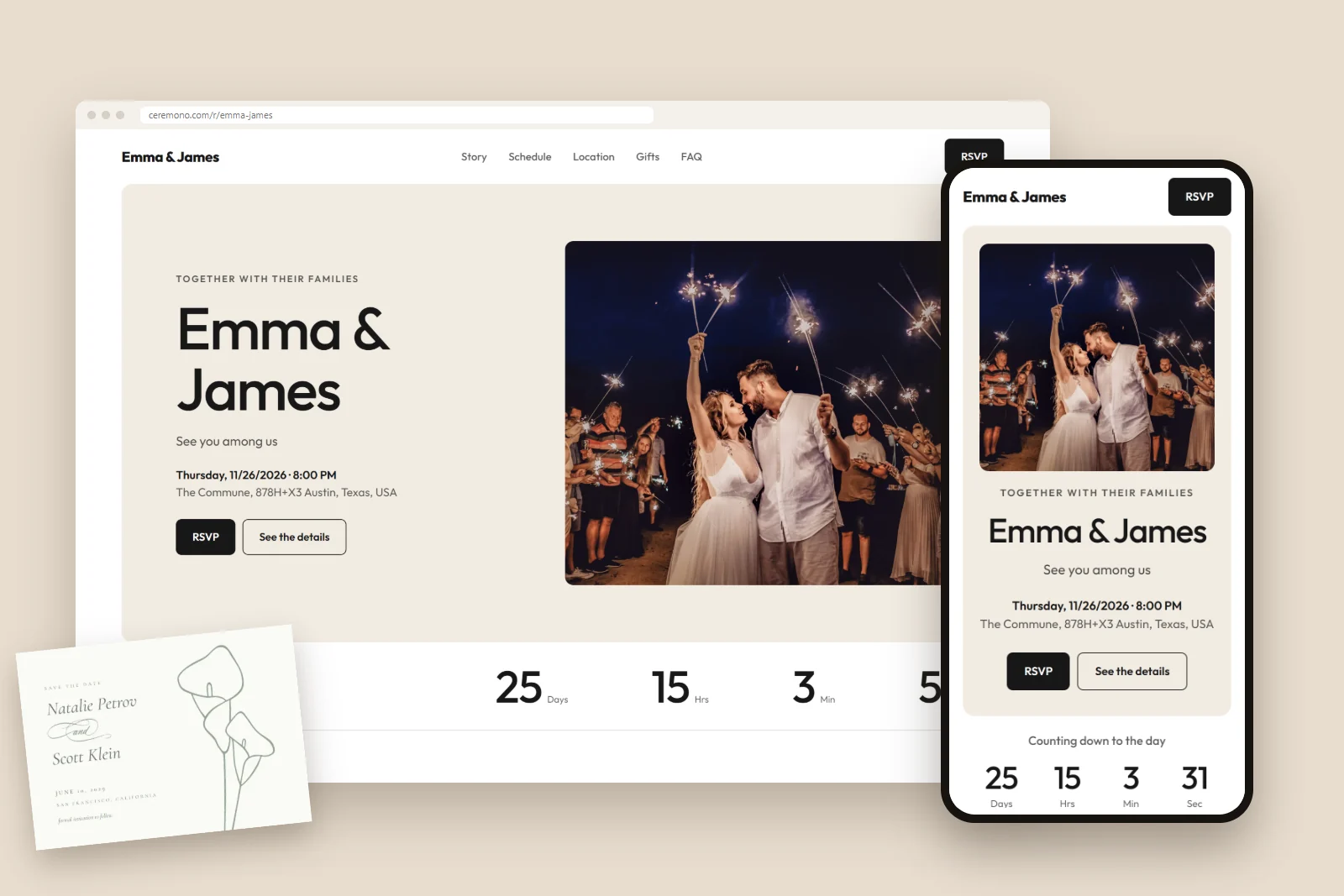
Every design above is a full wedding website, and it's free. You fill in your event once: names, date, venue and address appear on the site by themselves and stay up to date if anything changes.
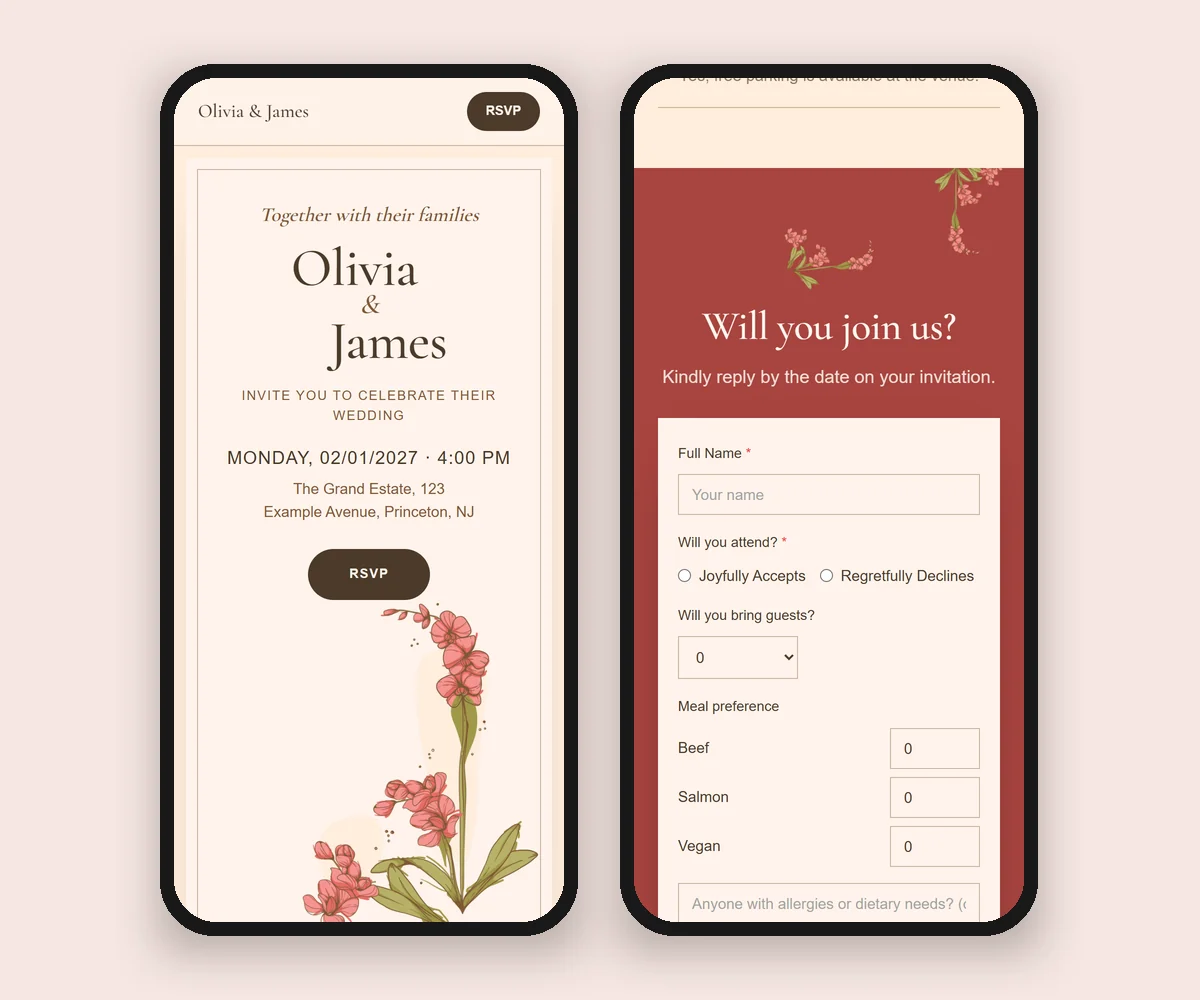
- RSVPs built in. Guests reply on their phones, with no account or app. They can tell you if they're coming, how many guests they're bringing, their meal choices and any allergies, and leave you a note. Every reply lands in your guest list.
- Everything guests ask about. Your story, the day's schedule, a map of the venue, your registry and a short list of questions and answers, with a countdown at the top.
- Yours to change. Edit any text or photo right on the page, reorder or hide sections, and choose a different layout for each one. Nothing changes for guests until you press Save or Publish.
Putting it together
- Choose a design and a color from the website designs or the stationery shop.
- Create your free website and add your story, schedule and registry.
- Send your save the dates with your website link on them. Here's when to send save the dates.
- Collect RSVPs on the website as guests reply.
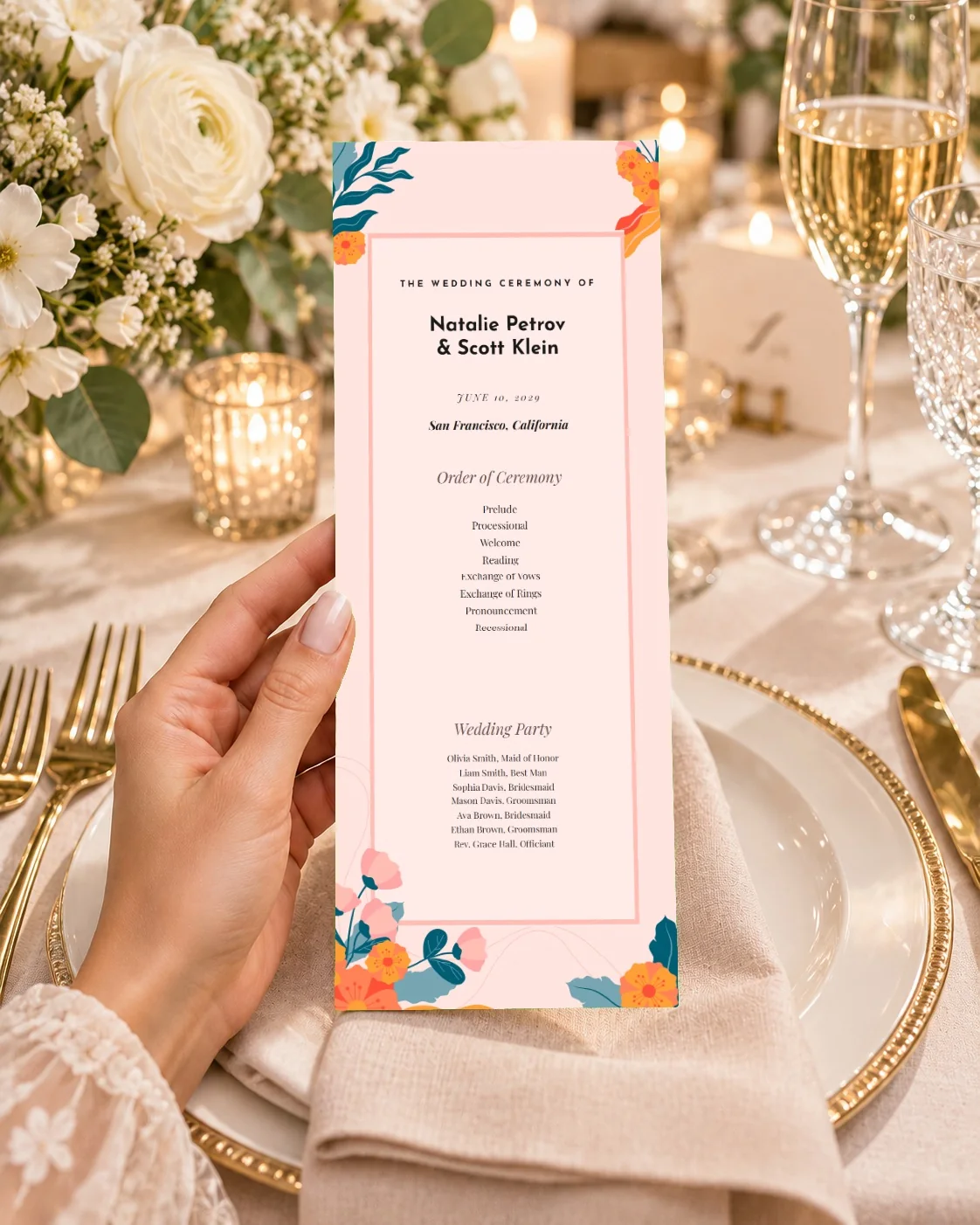
- Print the day-of pieces: place cards and table signs fill in from your guest list and seating plan. Our seating chart ideas and wedding program guide can help.
- Say thank you with cards in the same design.
Every piece downloads as a print-ready PDF, or as an editable file for Canva.
Find your design
You can look around without an account. Browse the website designs and switch their colors, or see all the stationery suites. When you find the one you love, the website is free and ready in minutes.
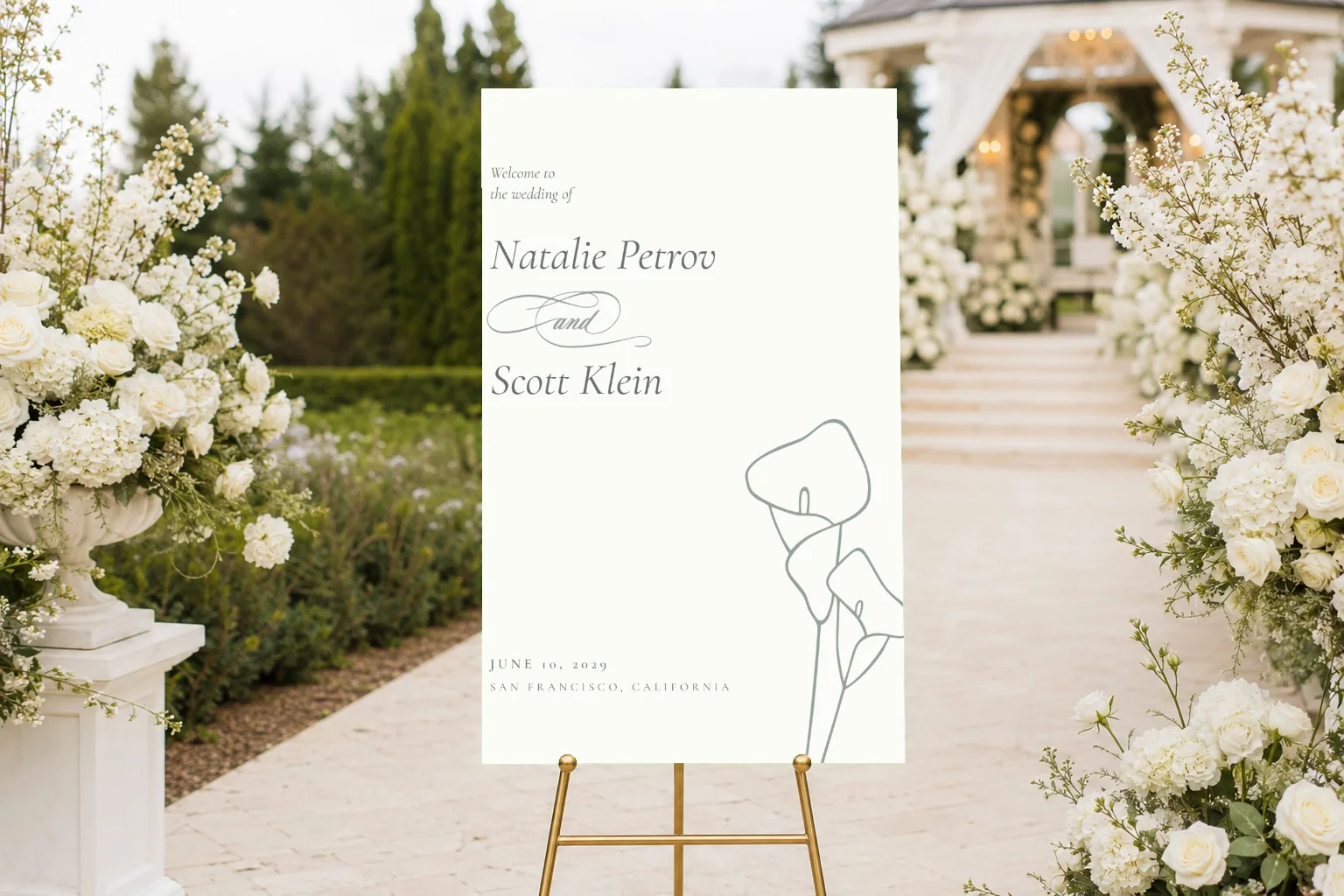
Complete suites to personalize online, from save the dates to signs, menus and thank-you cards.
Browse the shop